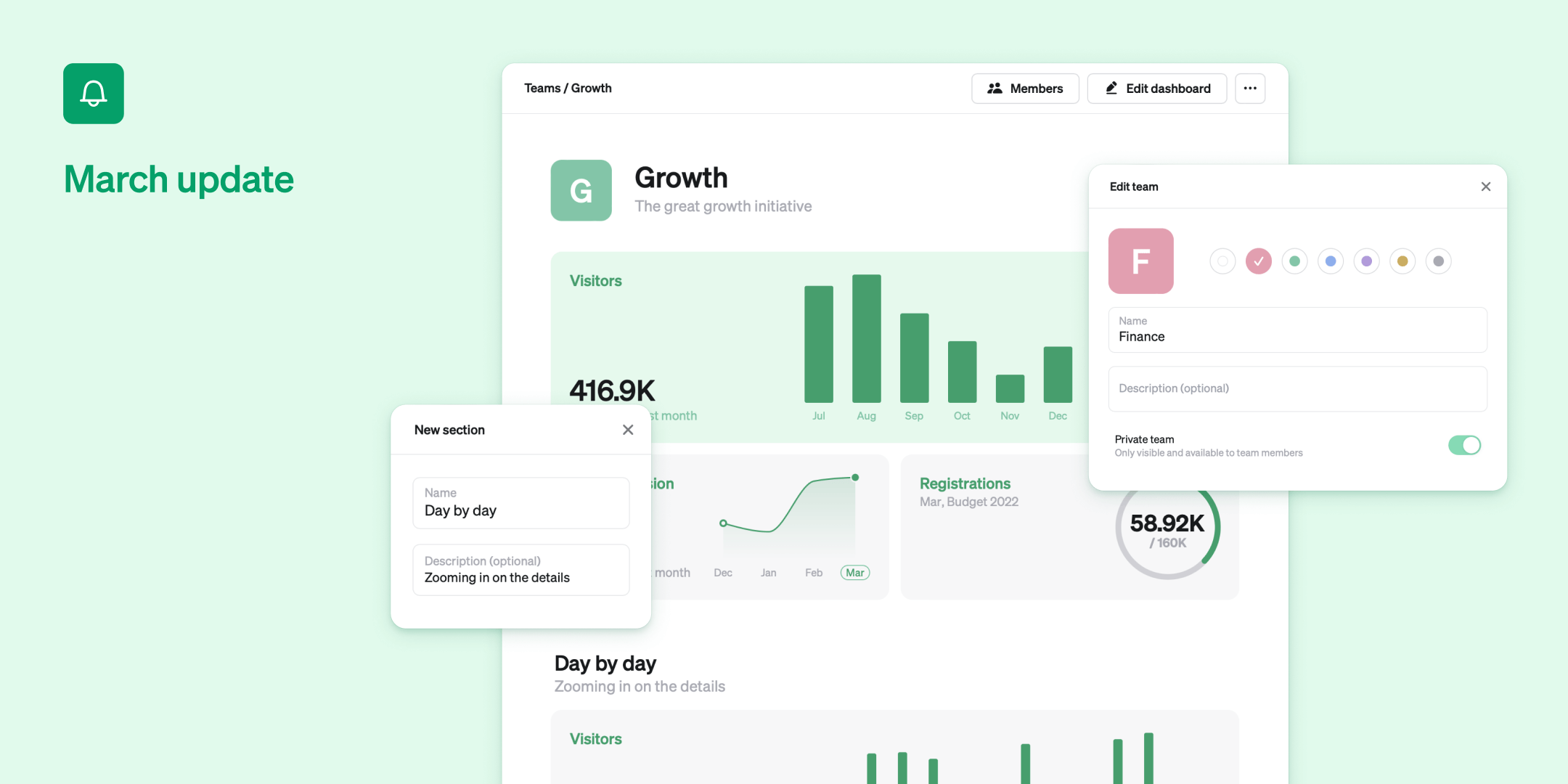
This month we are making it easier to grow with Steep using Team spaces, launching a completely new Help center, as well as adding a few nice visualization improvements.

Team spaces
Teams are the best way to get organized in Steep and they just received a boost of nitro fuel. Each team now has its own customizable space. Add all the metrics and widgets that are relevant to your team in one place, organize them in sections and let the most important ones be visible on your home screen.
Team spaces makes it easier to grow with Steep and at the same time prevent dashboard hell. We think you’re going to love it!
Sections
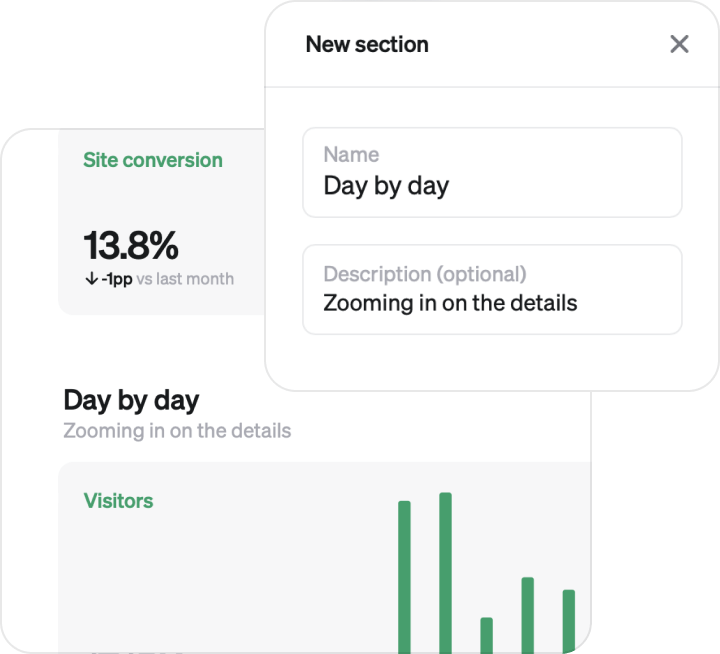
To add even more flexibility, each space can be divided into multiple sections, complete with a title and a short description. Create neat and structured spaces that anyone can read and understand.
The top section of each team is automatically added to the dynamic home screen to get that great top-level-view.
Teams in the menu
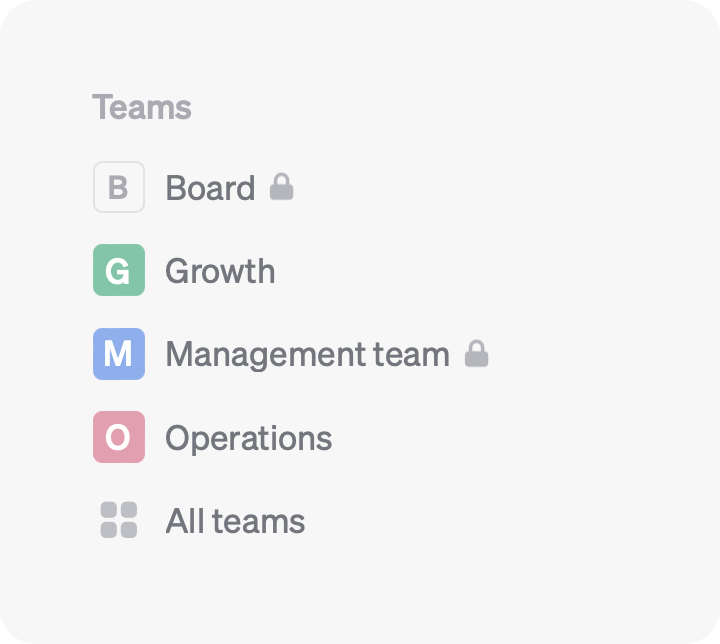
We have made your teams more accessible right from the left hand menu. A team can be a department, a project team, or any group of people really. You can make a team private and use it to control permissions to metrics and spaces.
Launch Steep and try it out for yourself. Create a new team from the menu and click Edit dashboard to get started.
New help center
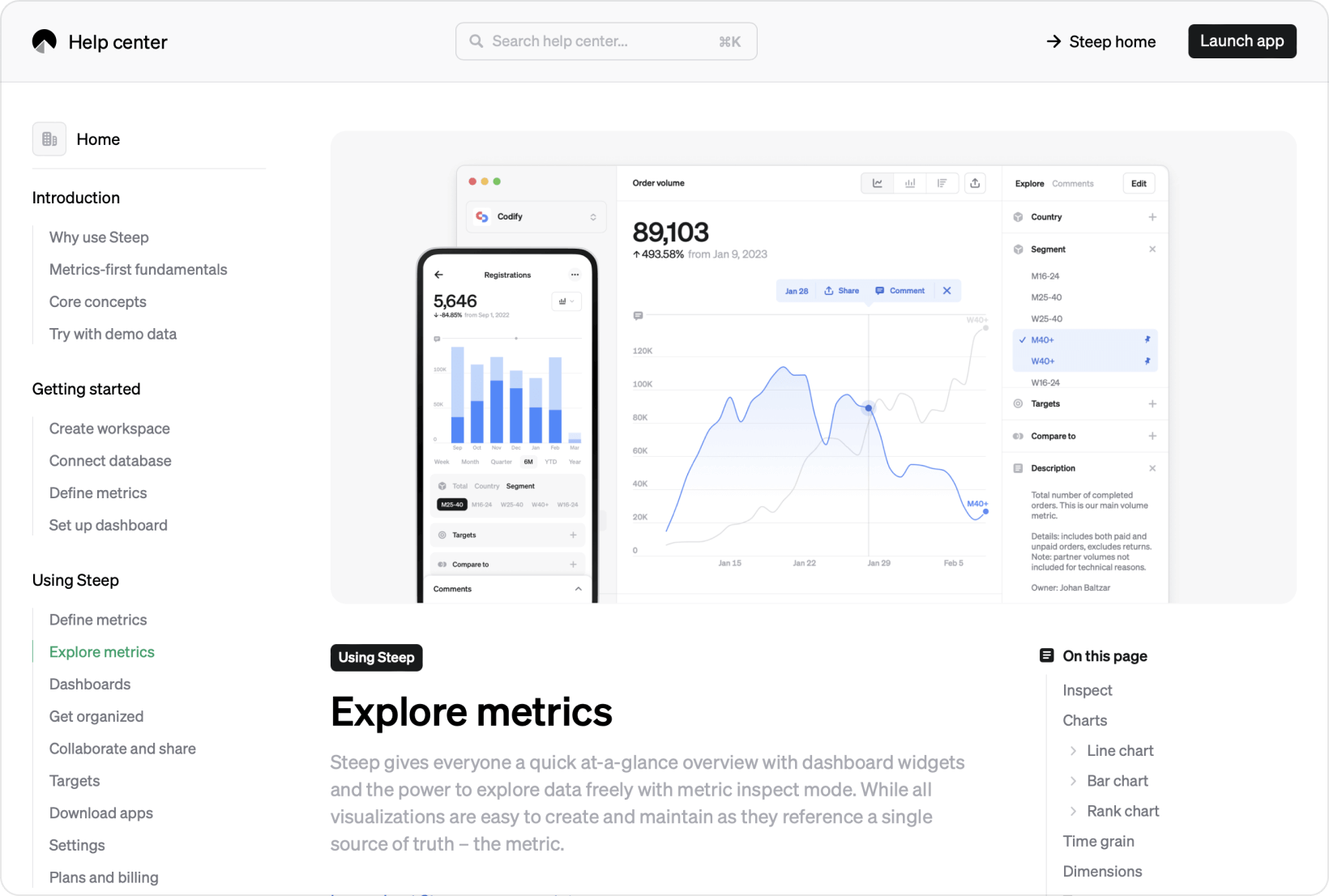
Whether you need help getting started or are just curious about how Steep works, our new help center is a great place to start. We have rewritten all current articles and added a whole bunch more, as well as redesigned the site itself to be easier to browse and use. A great resource that you should definitely check out.
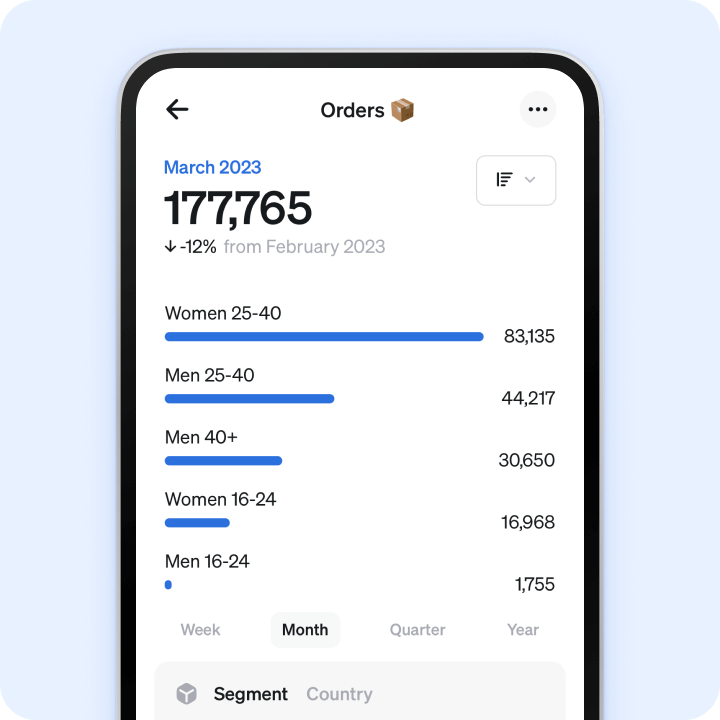
Rank on mobile
The powerful rank visualization is now also available on mobile. We have designed it to work great within a limited space, while keeping the same functionality as the desktop version.
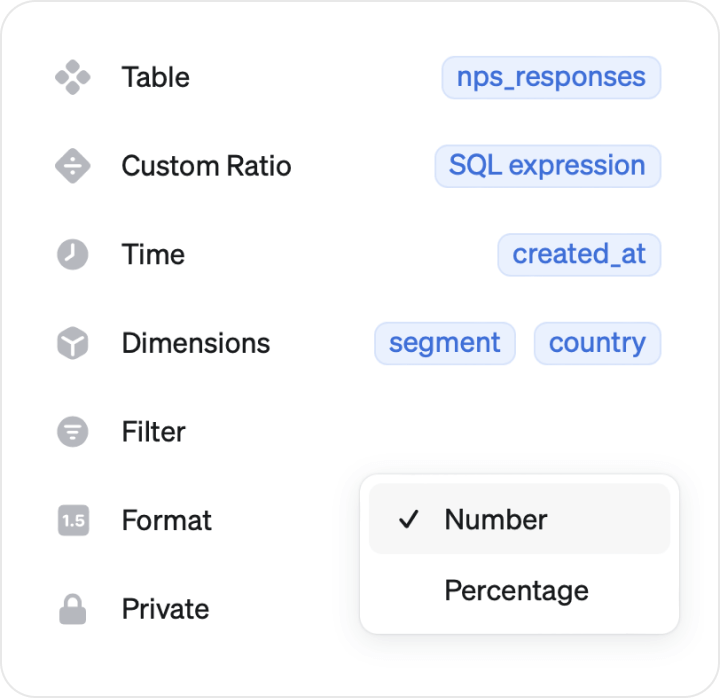
Format options
Any metric can now be displayed either as a number or a percentage, giving you more control over how your metrics are displayed. Add or edit a metric to find the new format menu.
What's next?
- Many of you are using dbt, and we are exploring exciting ways to define metrics in dbt and use them in Steep - version controlled and everything.
- We are constantly working on new and better ways to analyze your metrics. Stay tuned for some really cool news in the coming months.
Start using Steep now
Download one of our apps or launch Steep in your browser to get started.


Book a demo
Get help with exploring the platform and discussing use cases for your team.
Get started
Explore for free. Get your own workspace or try the demo setup.
More posts

Intro to Steep
By Janna Pollari·Events

Webinar with Daana
By Janna Pollari·Events

Meet us at Snowflake Summit 2026
By Deanne Anderson·Events

Introducing Steep AI
By Nino Höglund·Product

A builder's guide to the Steep API
By Hanna Kjellén·Inside Steep

New in Steep: API – Metrics power anything
By Nino Höglund·Product