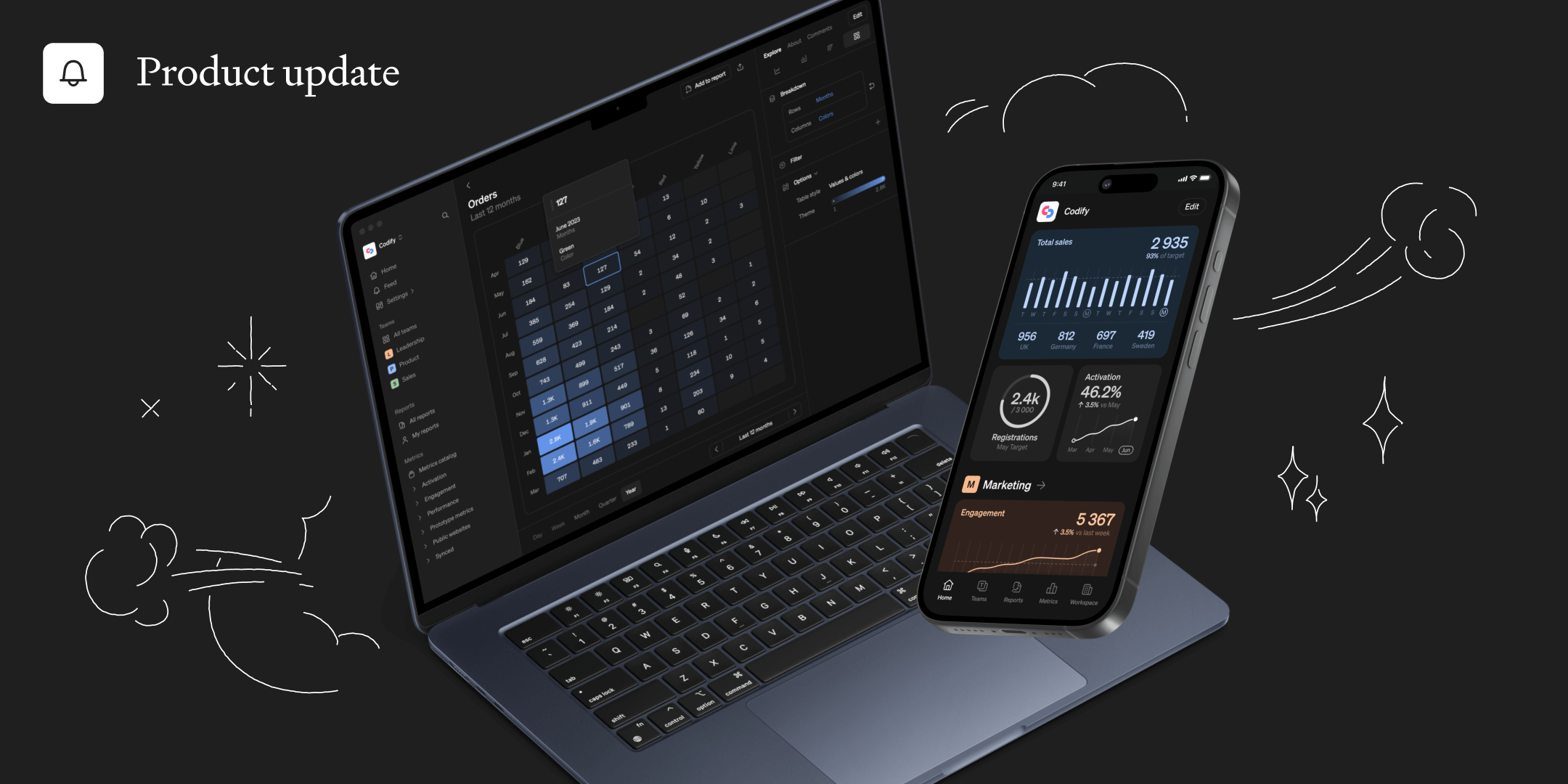
For our second update this month, we’re launching several requested improvements to make analysis even easier and more intuitive. These include keeping context when analyzing metrics, improved filters and active member tracking.

Product hunt launch 🚀
We’re really excited to launch on Product Hunt next week, spreading the word about Steep to more teams across the globe. If you like what we do, please click the link below and join the waitlist - then give us an upvote or a review when we launch. We really appreciate your support! ❤️
Requested improvements
We've listened to your feedback, and we're excited to introduce several new updates to make your Steep experience even more smooth and intuitive.
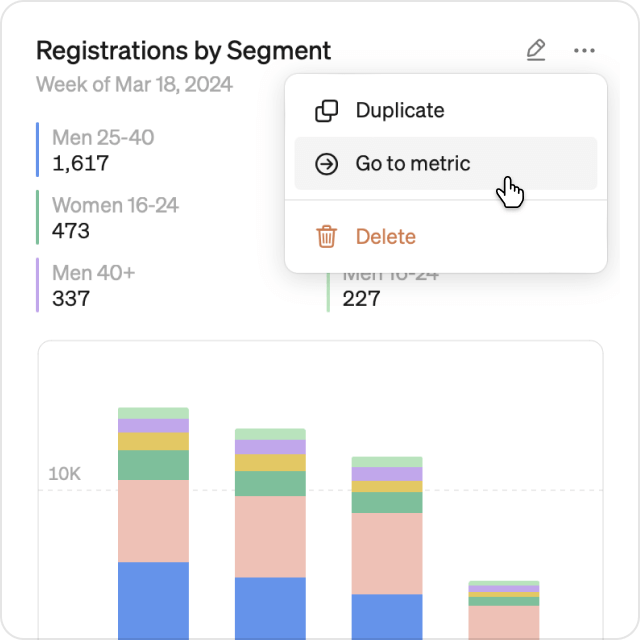
Keep your context
When transitioning from a chart or table in a report, to a metric, all context will seamlessly carry over. This includes time options, comparisons and even global filters from the report. This makes it much easier to dig deeper without loosing a beat.
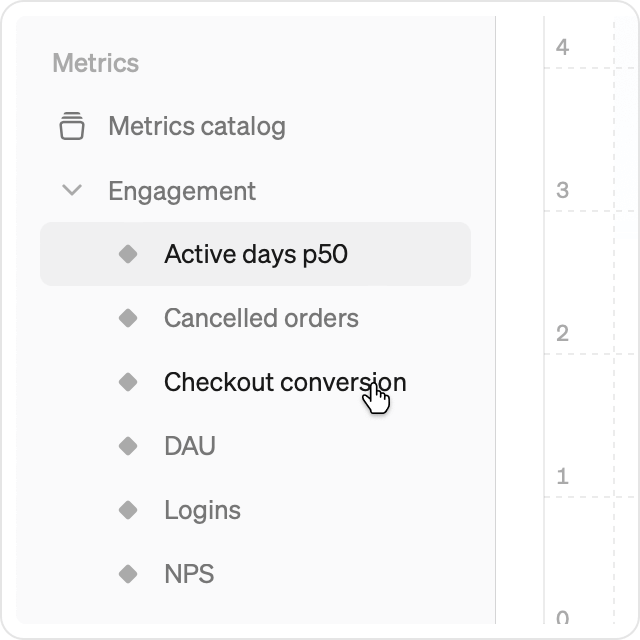
Jump between metrics
In the metrics explore view, jumping directly to another metric in the catalog will now maintain the same timeframe and chart type, allowing you to effortlessly continue your analysis from where you left off.
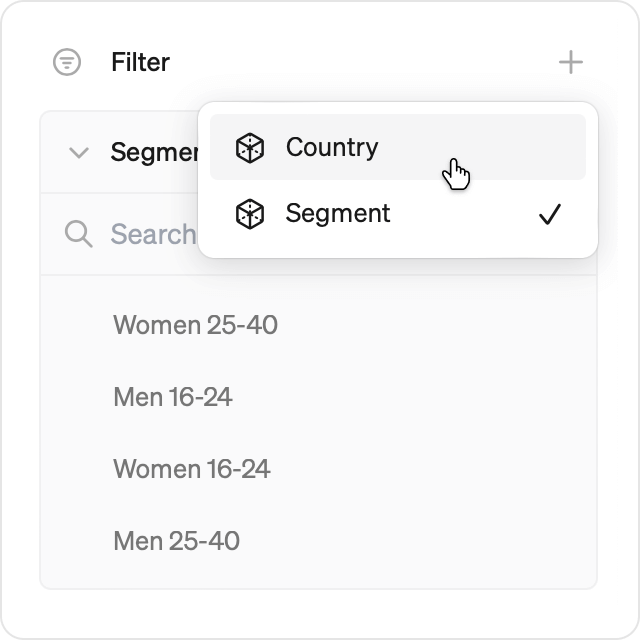
Group filters
The filter section in the explore view is now more compact to better handle lots of dimensions. Just add the dimensions you want to use from the new dropdown menu.
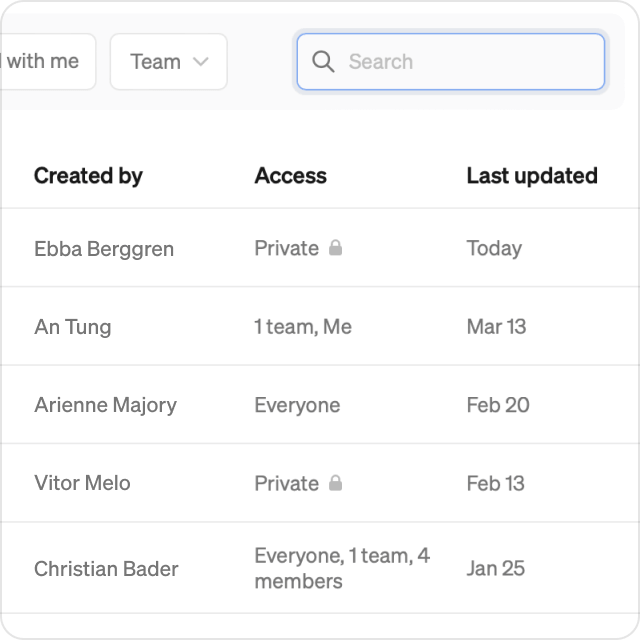
Find reports quicker
From the reports list, you can now search freely or filter by team, to find what you are looking for faster. If you are using Steep on your computer, you can also use the blazing fast global search using cmd+K from anywhere in the app.
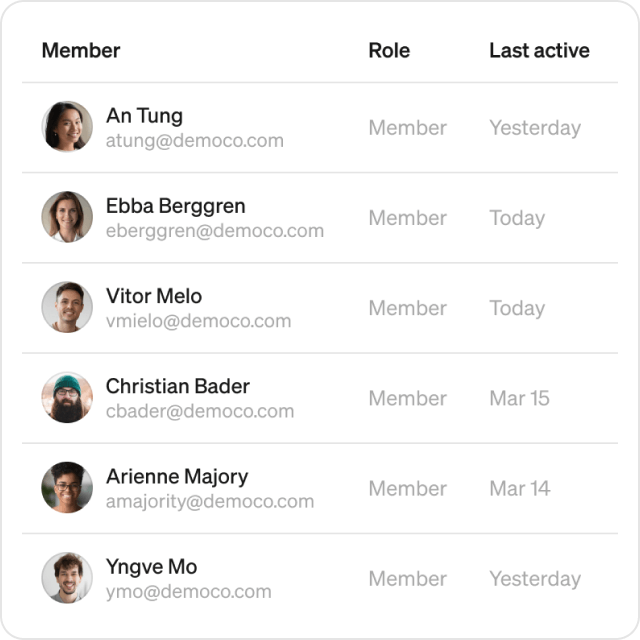
Active members overview
Workspace members list: Admins can now see when members were last active, making it easier to keep track of how often people in your organization are using Steep.
Book a demo
Get help with exploring the platform and discussing use cases for your team.
Get started
Explore for free. Get your own workspace or try the demo setup.
More posts

Intro to Steep
By Janna Pollari·Events

Webinar with Daana
By Janna Pollari·Events

Meet us at Snowflake Summit 2026
By Deanne Anderson·Events

Introducing Steep AI
By Nino Höglund·Product

A builder's guide to the Steep API
By Hanna Kjellén·Inside Steep

New in Steep: API – Metrics power anything
By Nino Höglund·Product