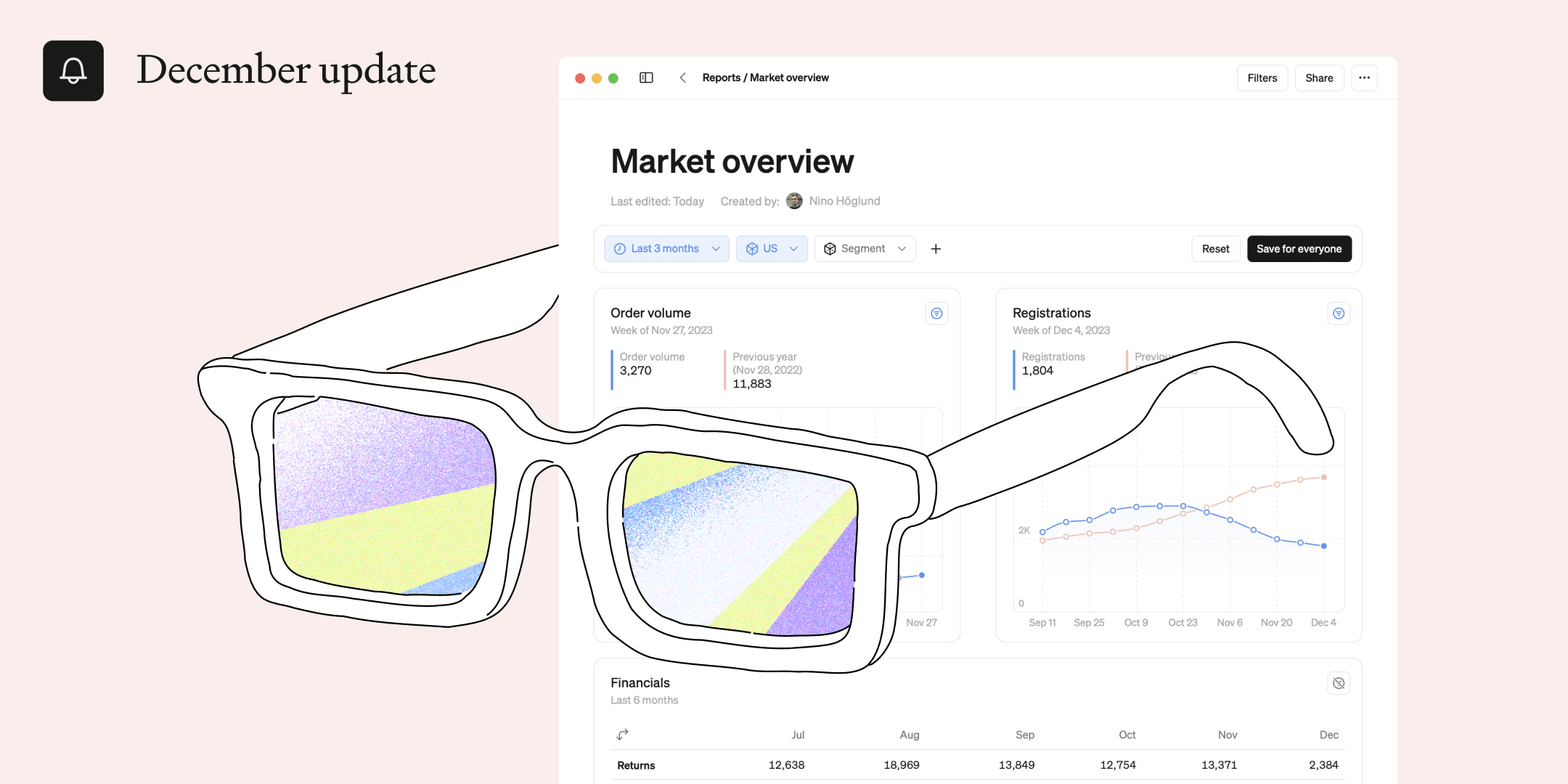
This month, we're rolling out filters in reports, a powerful feature designed to add a layer of flexibility to your reporting experience.

Create dynamic reports with filters
Elevate your reporting experience by seamlessly integrating time and dimension filters onto any report. With just a few clicks, you add a filter to the report, and all blocks in that report get updated. This enables you to create versatile reports that can be tailored to meet the needs of different stakeholders and serve more purposes. Saving you time and energy 😎
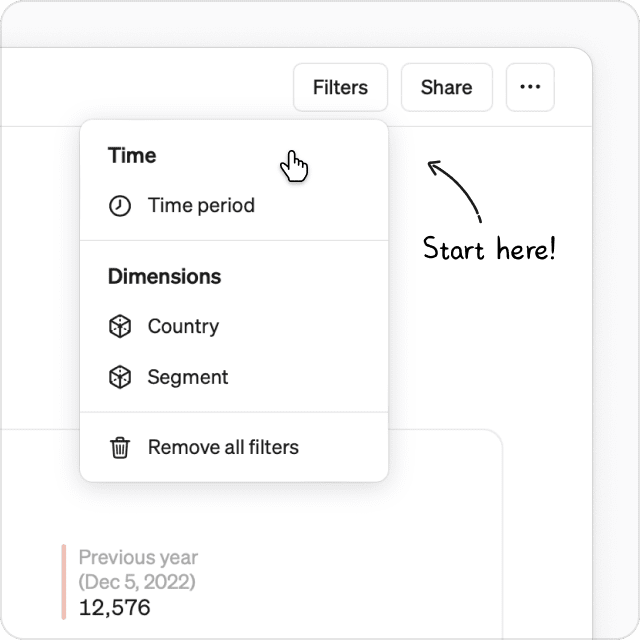
Add powerful filters to any report
To add a filter, go to the top right-hand corner of your report and click Filters. Select which filters you want to use on the report.
Time or dimensions
Two types of filters can be added to reports. Time and/or dimensions.
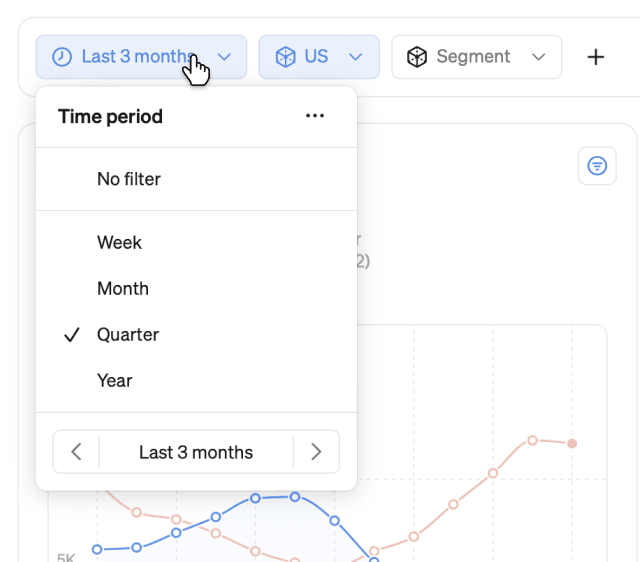
- Time can be set to days, weeks, months, quarters, or years. This lets you quickly navigate all blocks through time to get the full picture.
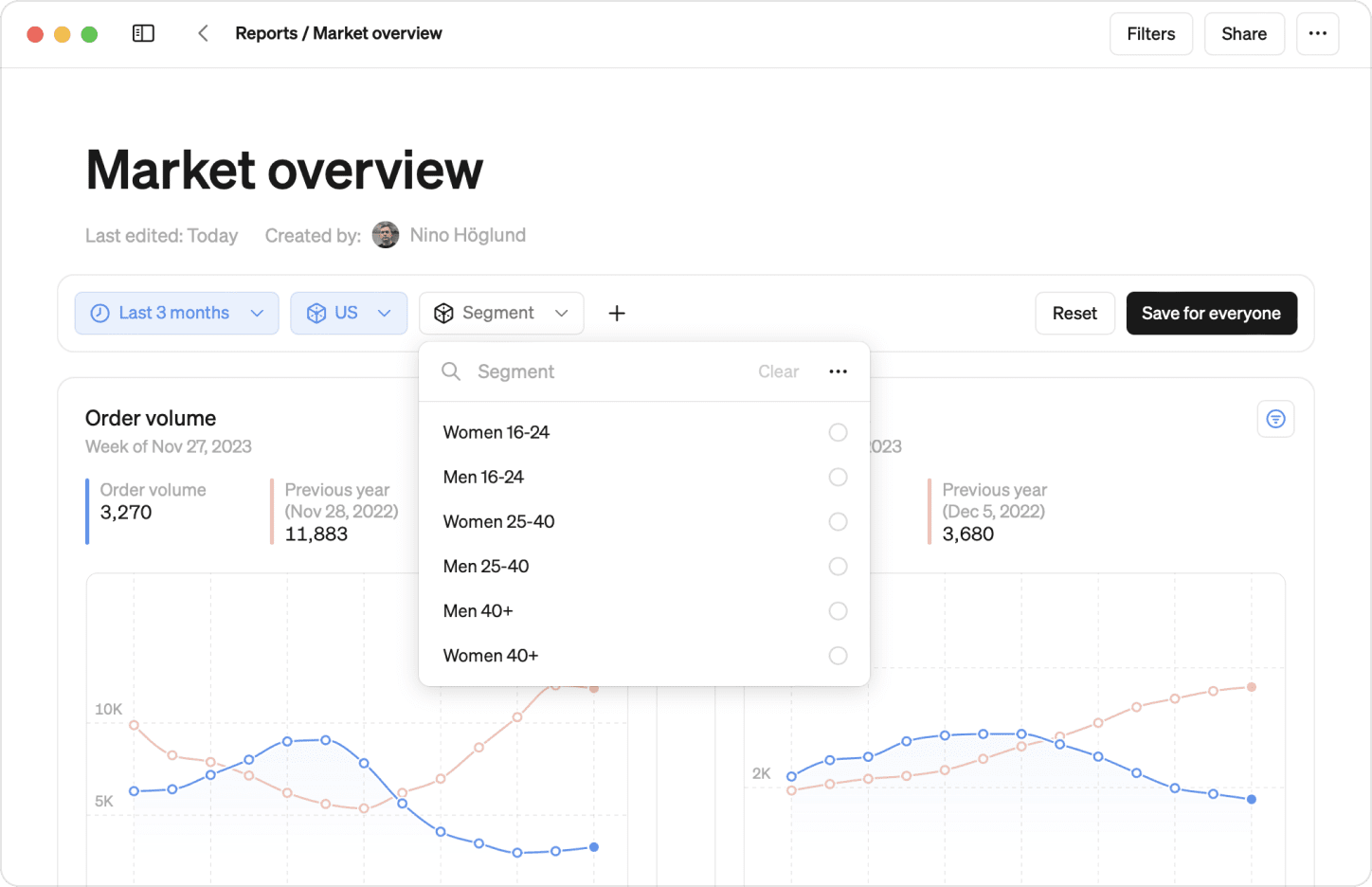
- Dimensions - pick any values you have available for the blocks in your report, for example, specific markets or segments, and drill down in all blocks at the same time.
Stay in control
Report permissions help you to control who can do what with your filter. Only the report editors wield the power to apply filter types and save them for anyone to use. Viewers, on the other hand, can leverage the added filter for ad-hoc analysis.
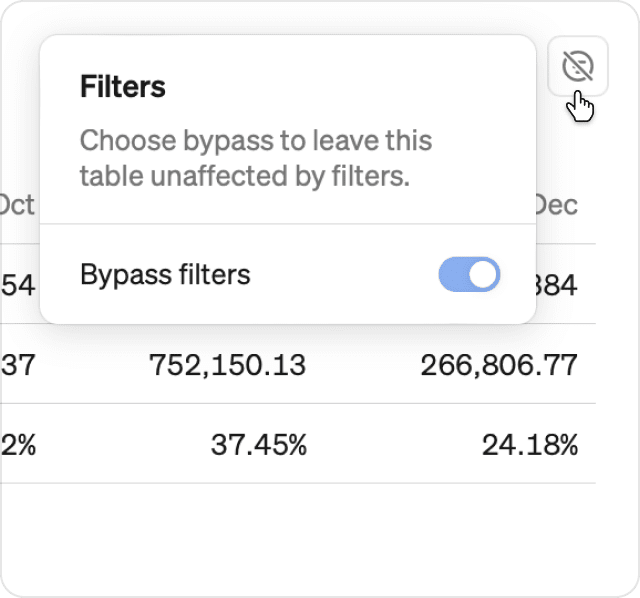
Opt out
Discover a handy trick—Bypass Filters. This feature allows you to exempt specific blocks from the influence of filters. Whether you want to showcase an overall total or a benchmark chart or table, bypassing filters lets you curate your report with pinpoint precision.
Also new this month: New onboarding
This month, we’ve also released an enhanced onboarding experience that makes starting Steep easier than ever. From configuring your workspace to seamlessly onboarding team members, our new onboarding process is designed to be intuitive and efficient.
Book a demo
Get help with exploring the platform and discussing use cases for your team.
Get started
Explore for free. Get your own workspace or try the demo setup.
More posts

Intro to Steep
By Janna Pollari·Events

Webinar with Daana
By Janna Pollari·Events

Meet us at Snowflake Summit 2026
By Deanne Anderson·Events

Introducing Steep AI
By Nino Höglund·Product

A builder's guide to the Steep API
By Hanna Kjellén·Inside Steep

New in Steep: API – Metrics power anything
By Nino Höglund·Product