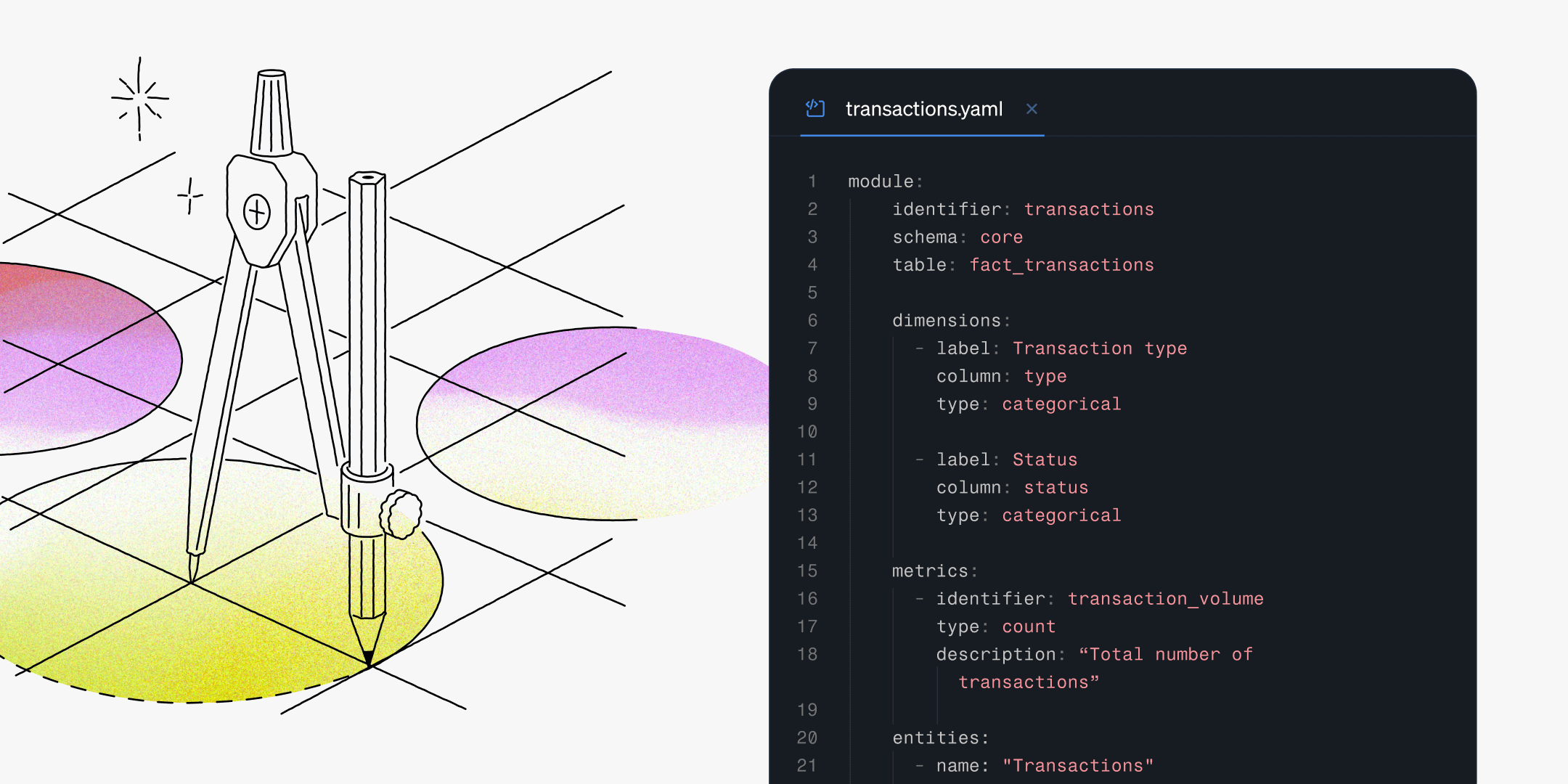
We’re excited to release a game-changing update that takes the Steep experience to a new level. Define in code is a long-anticipated feature that gives data teams unmatched structure and flexibility.

You can now define your semantic model in code. This unlocks a new level of control and sophistication for governance in Steep. Whether you define metrics in code or in the app, they’ll always work seamlessly side by side.
- Version control everything: track changes, review via pull requests, and keep a full history log of updates.
- Collaborate more efficiently: developers and data teams can safely iterate.
- Reuse definitions in multiple workspaces as a single source of truth.
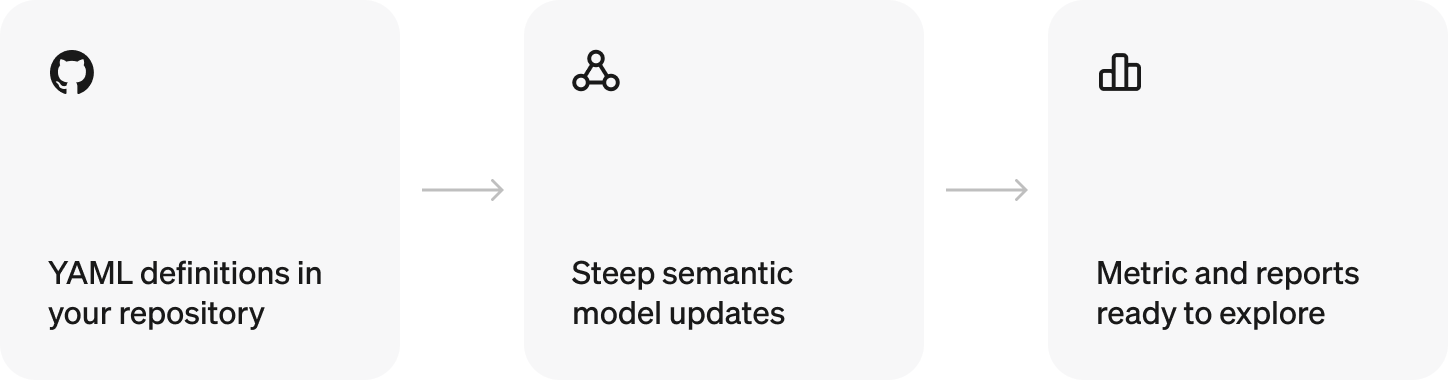
Define anywhere
Define metrics, dimensions, and modules in code, or continue creating them directly in the Steep app, or use a mix of both. Choose the workflow that fits your team’s needs, and switch seamlessly between approaches.
This hybrid workflow combines the speed and flexibility of the app with the control, structure, and versioning of code, giving your data team the best of both worlds.
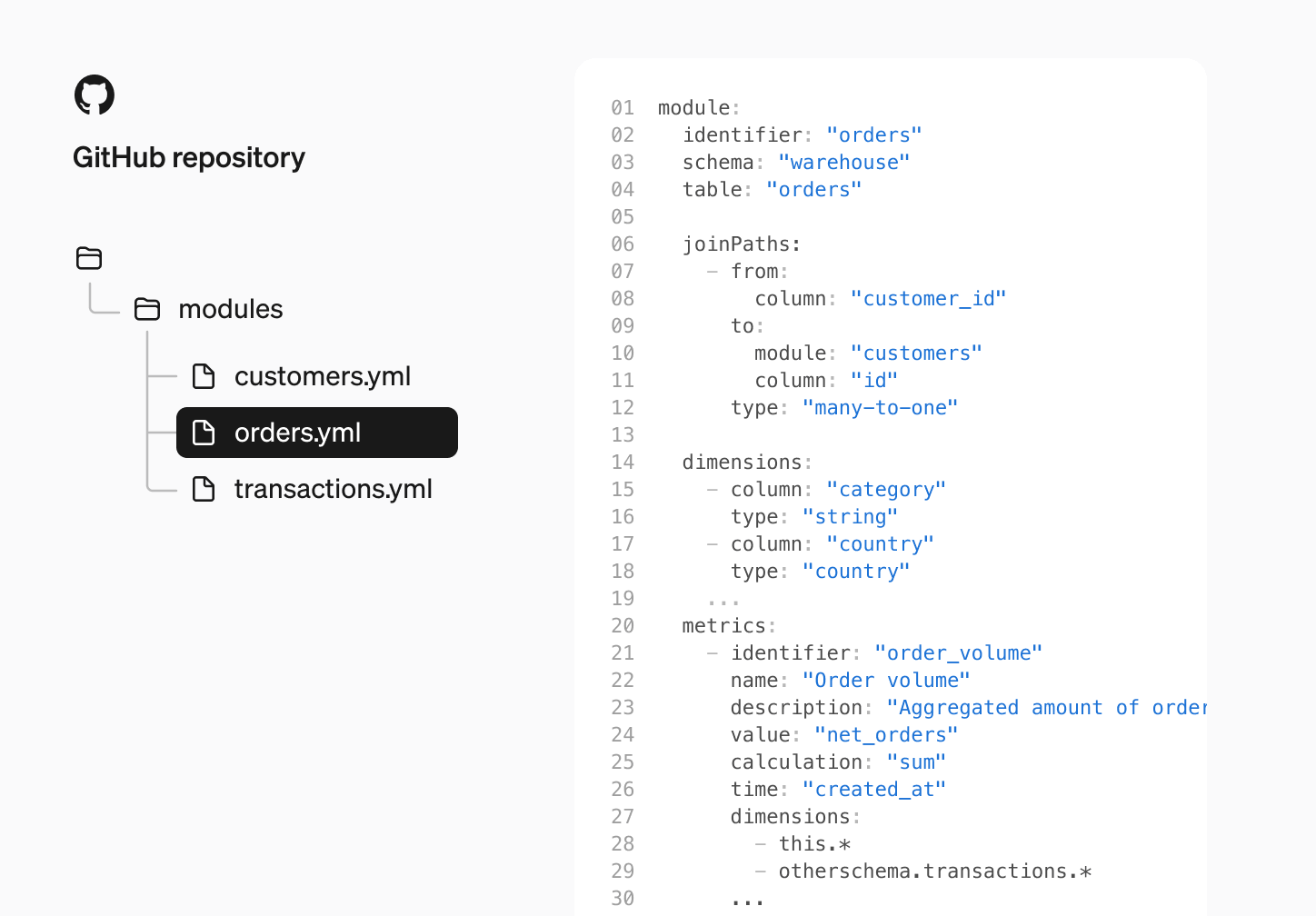
How it works
A powerful aspect of defining your metrics in code is that you can start small with just one module and build from there.
- Define your modules, metrics, dimensions, and join paths in YAML
- Connect your Steep workspace to a GitHub repository under Model → Code.
- Push updates to your main branch. Steep validates the files and updates the model instantly, refreshing the metric cache automatically.
You can easily export in-app defined metrics to code-based definitions. Once synced, your module will be automatically overwritten and stay synced with your code.
Resources
Modules
Modules are replacing what we previously called the Semantic graph.
Modules are the semantic representation of your database tables. They give a single, unified view of the join paths, dimensions, metrics, and entities built from a table in your database. Now you can see how your tables are used across Steep, all in one place.
They also lay the groundwork for a well-structured semantic model that can be managed in code and enriched with AI-driven semantics.
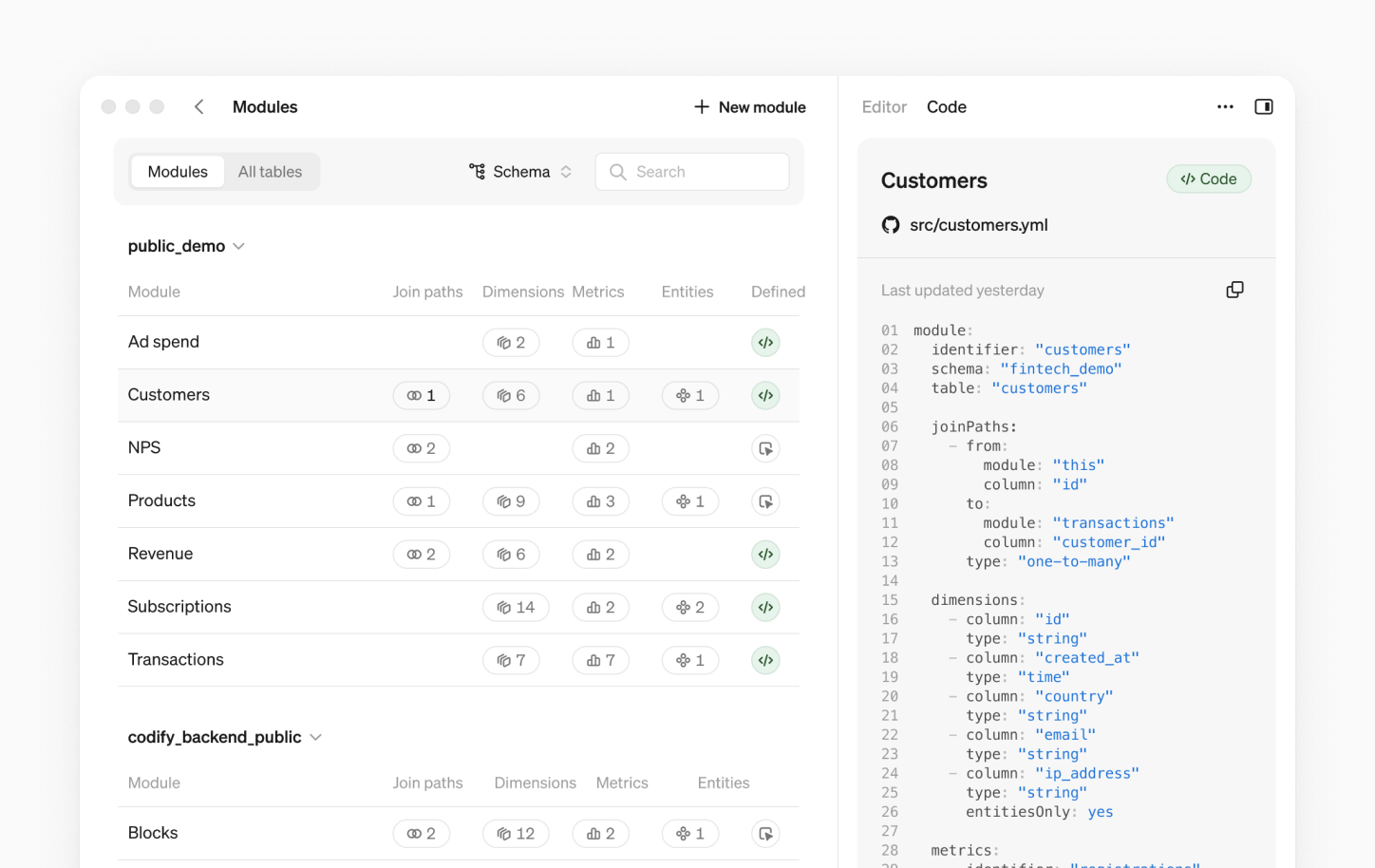
No action needed
If you’re using Steep, your existing Semantic graph has been automatically migrated to Modules. You can find the Modules page under Settings in the Steep app.
Book a demo
Get help with exploring the platform and discussing use cases for your team.
Get started
Explore for free. Get your own workspace or try the demo setup.
More posts

Intro to Steep
By Janna Pollari·Events

Webinar with Daana
By Janna Pollari·Events

Meet us at Snowflake Summit 2026
By Deanne Anderson·Events

Introducing Steep AI
By Nino Höglund·Product

A builder's guide to the Steep API
By Hanna Kjellén·Inside Steep

New in Steep: API – Metrics power anything
By Nino Höglund·Product