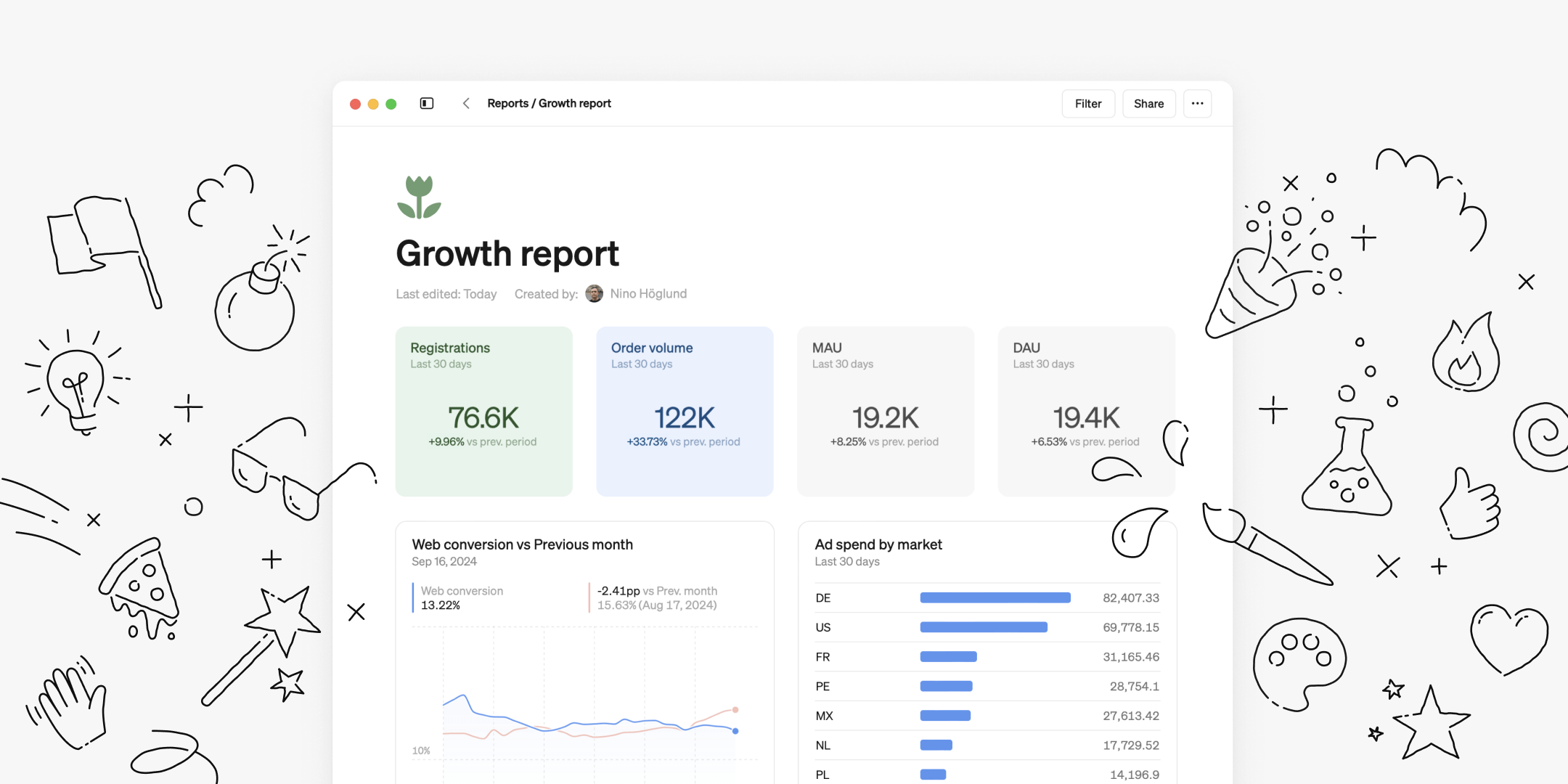
This month, we've rolled out a number of updates designed to take Steep reports to the next level, making them more powerful and fully customizable to suit your needs.

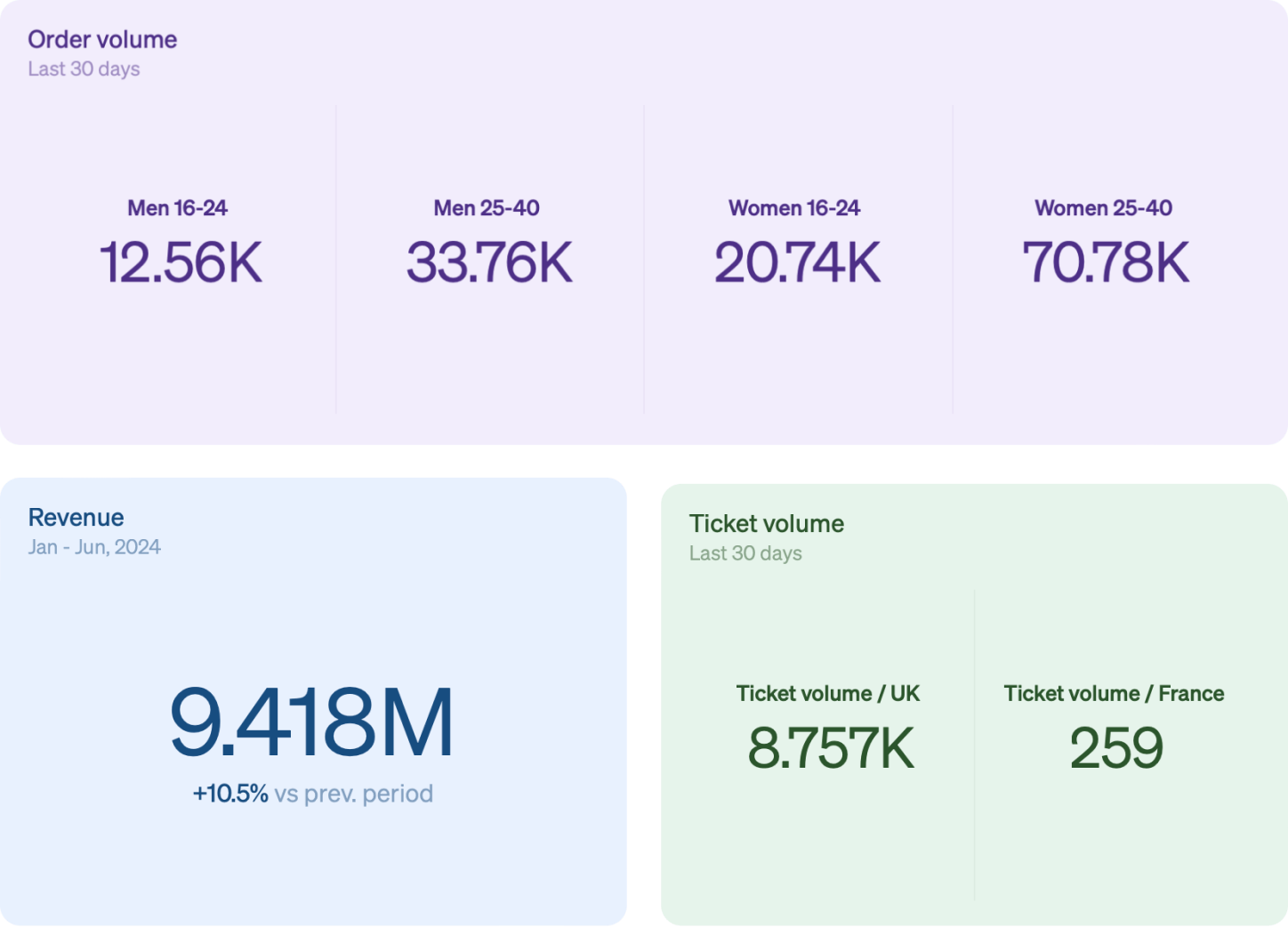
Big numbers blocks
Big number blocks might not be a revolutionary visualization, but we've added our own twists to make them extra useful.
- Choose between adding multiple metrics or breaking down a single metric by dimension—you control the level of detail.
- Compare to previous periods directly within the block, perfect for tracking progress or trends.
- Apply filters for deeper insights, ensuring you get the exact data you need.
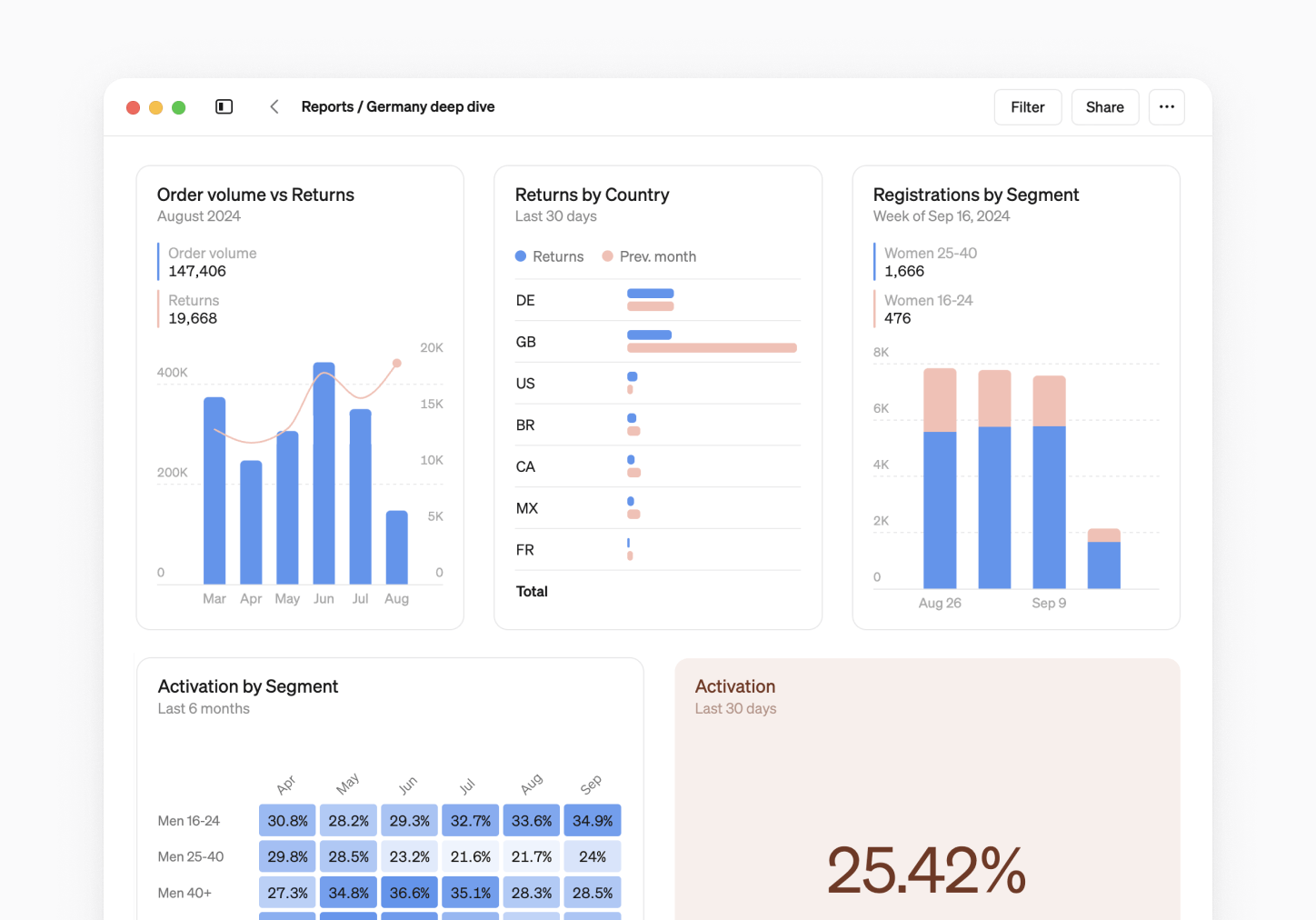
More columns
Now you can place up to four blocks side by side in reports. To add a column, hover over any block of content then drag it using the handle ⋮⋮ and drop it next to another block.

Report icons
Give your reports a touch of personality with report icons. Icons now appear alongside report names everywhere within Steep. With more than 180 icons to choose from in 10 colors, the possibilities are endless. To add an icon, hover over the title in your report and select Add icon.
Have an icon idea or request? Let us know at icons@steep.app.
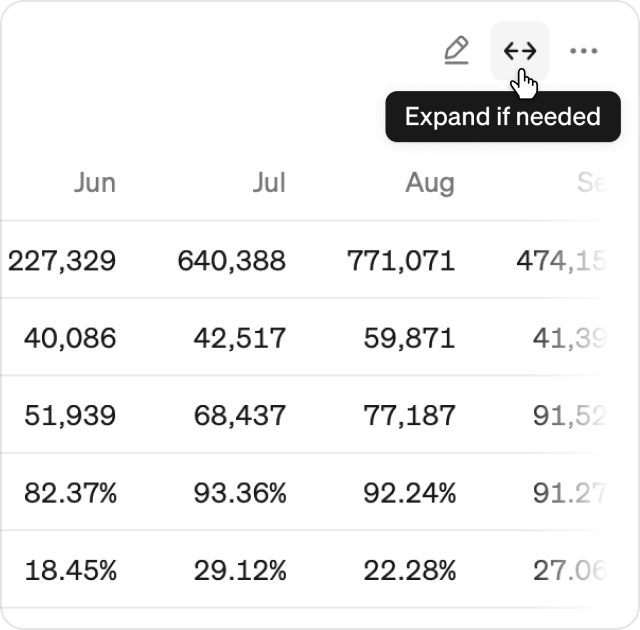
Wide tables
Steep's reports now support wider tables, allowing you to stretch tables to match the width of your screen.
- Hover over a table and click the
↔button to enable. Tables will only expand if needed. - This option is only available if the table is the only block in that row.
Join us at Coalesce!
Are you attending dbt Coalesce this year in Vegas? We'll be there, and we'd love to meet you in person! Stop by booth 326 to say hello and grab some Steep merch. We can't wait to see you there!
Book a demo
Get help with exploring the platform and discussing use cases for your team.
Get started
Explore for free. Get your own workspace or try the demo setup.
More posts

What is a semantic layer?
By Natasha Ellis-Knight·Data culture

Intro to Steep
By Janna Pollari·Events

Webinar with Daana
By Janna Pollari·Events

Meet us at Snowflake Summit 2026
By Deanne Anderson·Events

Introducing Steep AI
By Nino Höglund·Product

A builder's guide to the Steep API
By Hanna Kjellén·Inside Steep