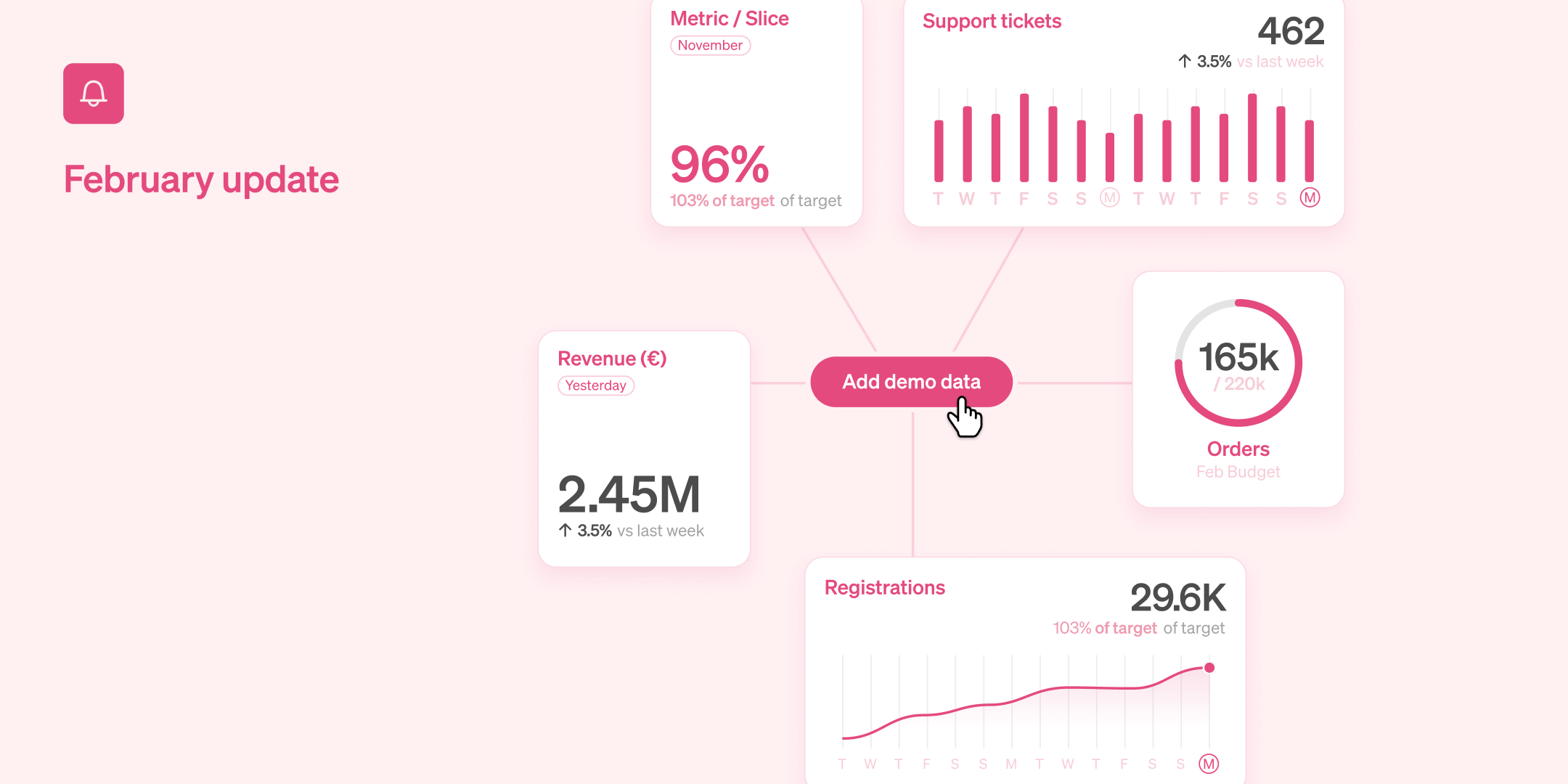
Trying out Steep is now easier than ever with the introduction of demo data. There are plenty of new features this month, so make sure you read to the end for a special treat 🍰

Try Steep with demo data
Before you're ready to connect your own database, you can now try out Steep with demo data and content. With one click you get a database, metrics and a dashboard. From there, you can edit or create new metrics and widgets, invite collegues and get a sense of how Steep could work for your team. And when you're ready to add your own data, the demo metrics and widgets will be automatically removed. We can't wait for more people to try Steep. Just launch the app and click the new “Add demo data” button to get started.
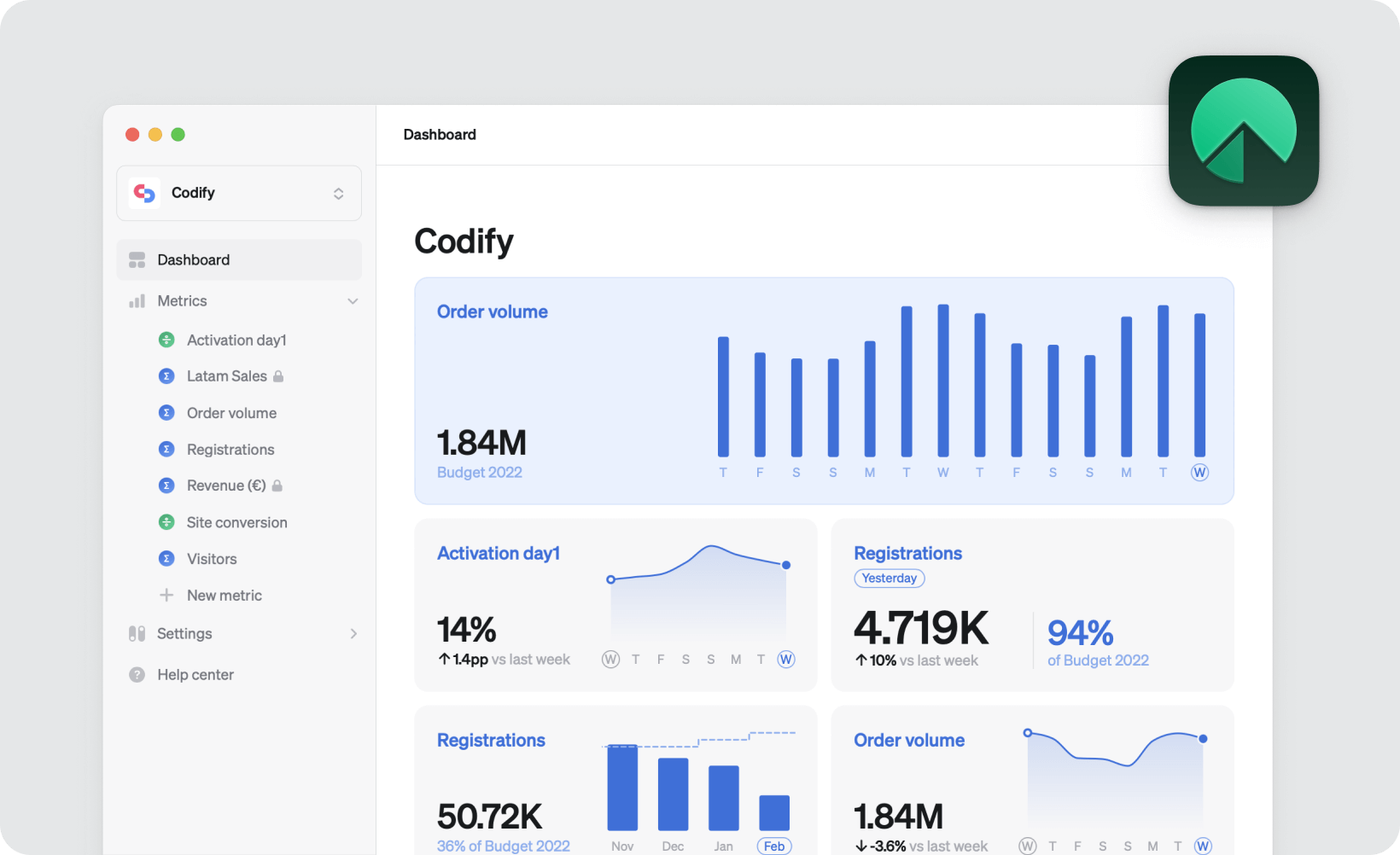
Our Mac app is live 🎉
We're delighted to announce that the Steep Mac app is now available for download on the App Store. It offers a more native experience, with support for keyboard shortcuts, dark mode, and full-screen mode. We've optimized it to be lightweight and optimized for both Apple Silicon and Intel chips.

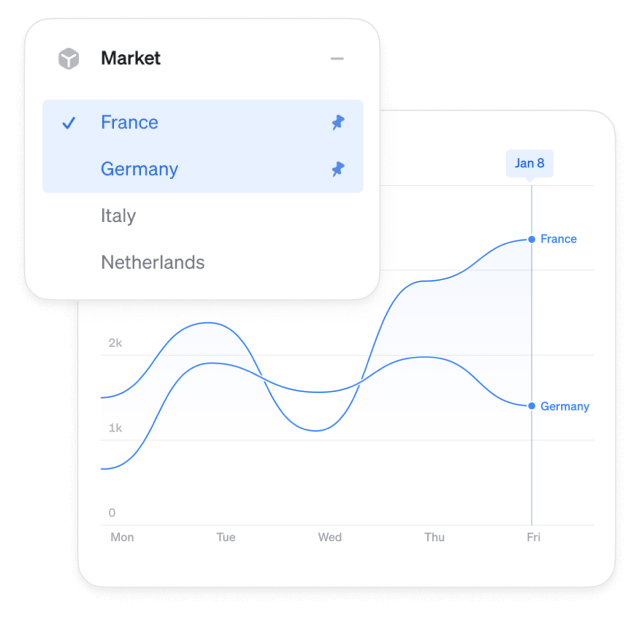
Pin dimensions
A powerful new feature is the ability to pin one or more rows in a dimension. This instantly filters the graph to only display the pinned rows, making it especially useful for dimensions with many rows. Use it to quickly zoom in on a few markets or segments. Pinning works with all visualizations.
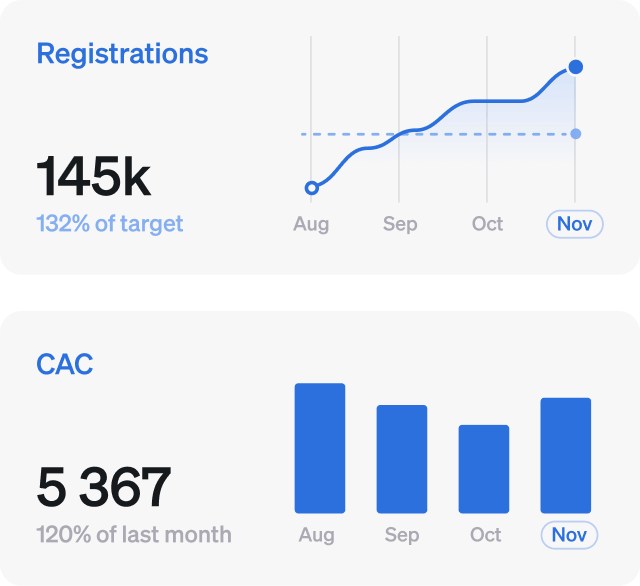
Time grain
Widgets now have the option to be configured with either a daily or monthly time grain. The monthly mode gives you a more zoomed-out view, whether it be bars, lines, or big number widgets. Just tap the time new grain button when editing a widget.
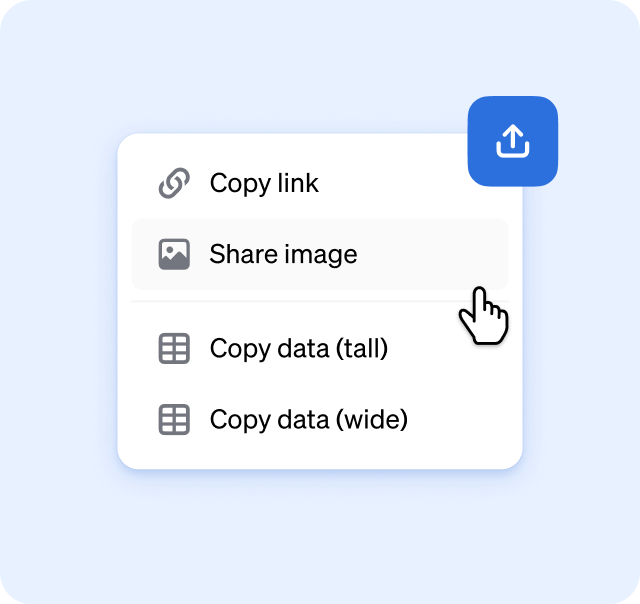
Sharing is caring
Sharing on Steep is now easier than ever. We've added more options for sharing images and links across platforms. Quickly copy images to paste into any other tool. Copy links to metrics with the exact configuration so others can continue from where you left off. You can also use the system share function on both desktop and mobile devices.
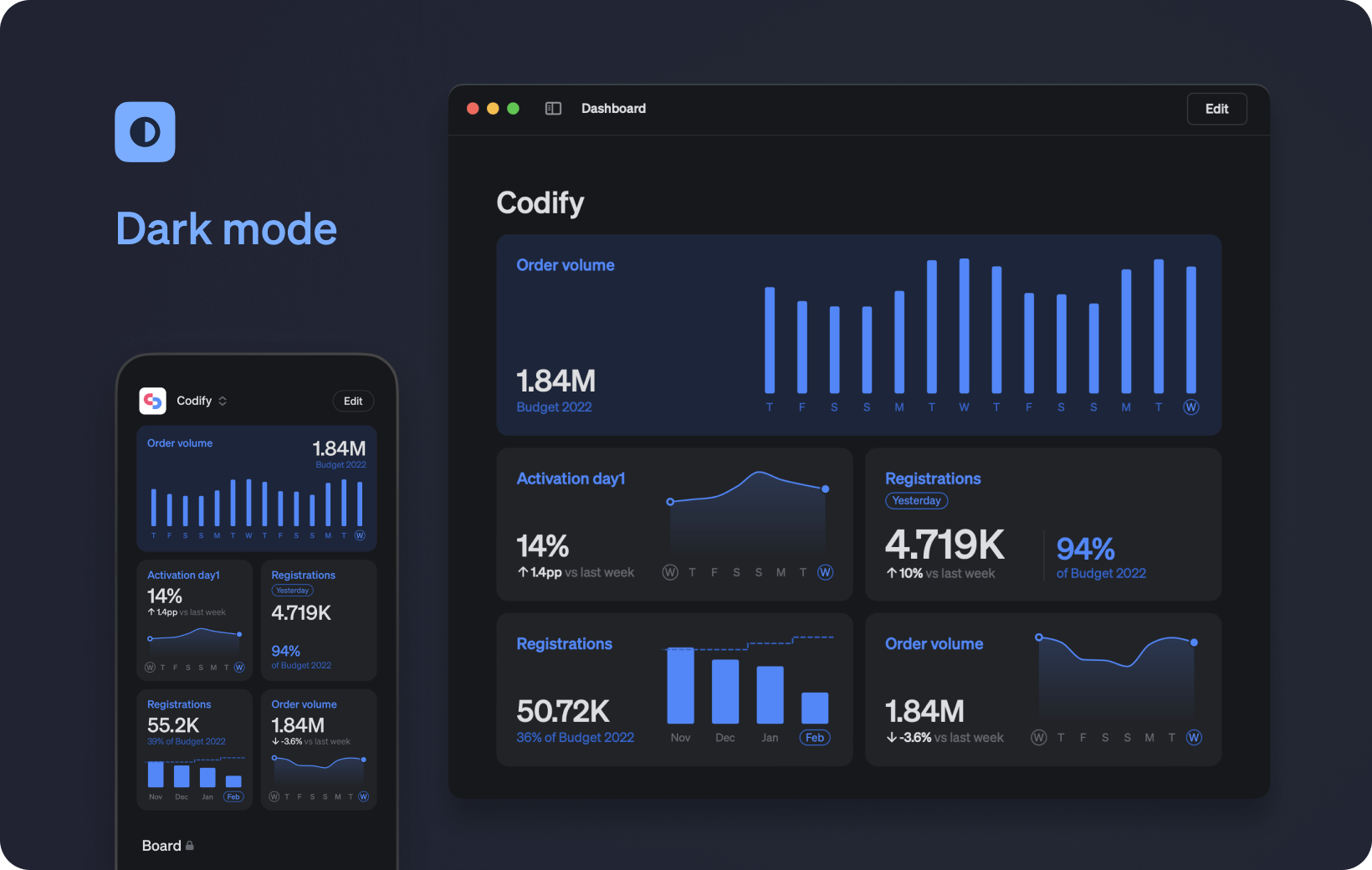
One more thing…
Steep now have a beautiful dark mode on all platforms. Just set your system setting to dark mode and the Steep app will follow. Download one of our apps or launch Steep in your browser to try it out.

What's next?
- Team dashboards are coming to Steep, adding a lot of organising power and flexibility.
- Many of you are using dbt, and we are exploring exciting ways to define metrics in dbt and use them in Steep - version controlled and everything.
- Our new Documentation site is launching soon, making it even easier to get up and running with Steep.
Book a demo
Get help with exploring the platform and discussing use cases for your team.
Get started
Explore for free. Get your own workspace or try the demo setup.
More posts

What is a semantic layer?
By Natasha Ellis-Knight·Data culture

Intro to Steep
By Janna Pollari·Events

Webinar with Daana
By Janna Pollari·Events

Meet us at Snowflake Summit 2026
By Deanne Anderson·Events

Introducing Steep AI
By Nino Höglund·Product

A builder's guide to the Steep API
By Hanna Kjellén·Inside Steep