November 19, 2026
Usage metrics
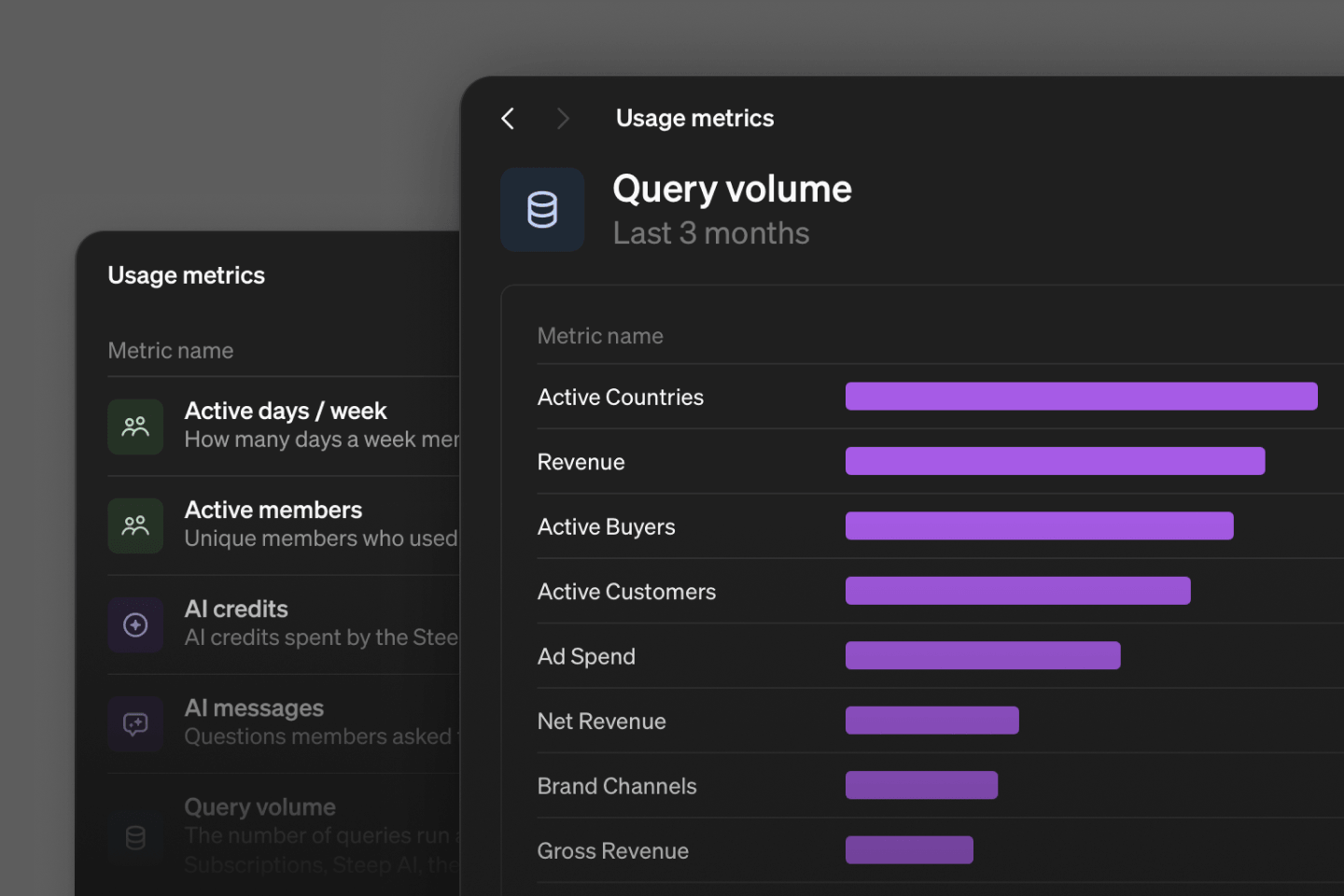
We can all work much faster with agents now. The next step is putting the right loops in place so your agent can see the downstream impact of its work and learn how to improve your semantic model. Usage metrics are the first of those loops, because they show how your organization actually uses Steep, in the app, with Steep AI, and through the API and MCP.
They work like any other metric in Steep. Break them down, filter them, compare them. They're also available through the API and MCP, so you can act on them in your own workflows.
The first version has five usage metrics:
| Metric | Description |
|---|---|
| Active members | unique members who used Steep, in the app or through MCP |
| Active days / week | how many days a week members use Steep, on average |
| Query volume | queries run against your data from any source, including reports, subscriptions, Steep AI, the API and MCP |
| AI messages | questions members asked Steep AI in the app |
| AI credits | credits spent by Steep AI |
Admins find them in Model → Usage.
Improvements & fixes 7
ExploreA favorited metric now keeps its explore view, and a single slice can be a favoriteExploreSearch the Rows dimension in a cohort breakdown, and search by label in the breakdown pickerExploreTargets are now hidden on slices, so a slice is never compared with the target for the whole metricExploreWeek numbers now match ISO weeks in 2025 and 2026ExploreA custom range in To date mode now compares against the whole shifted range, not only its first dayExploreRatio targets at week and month grain are now weighted by numerator and denominatorExplorePopovers now resize correctly for long dimension values