March 17, 2024
By popular demand
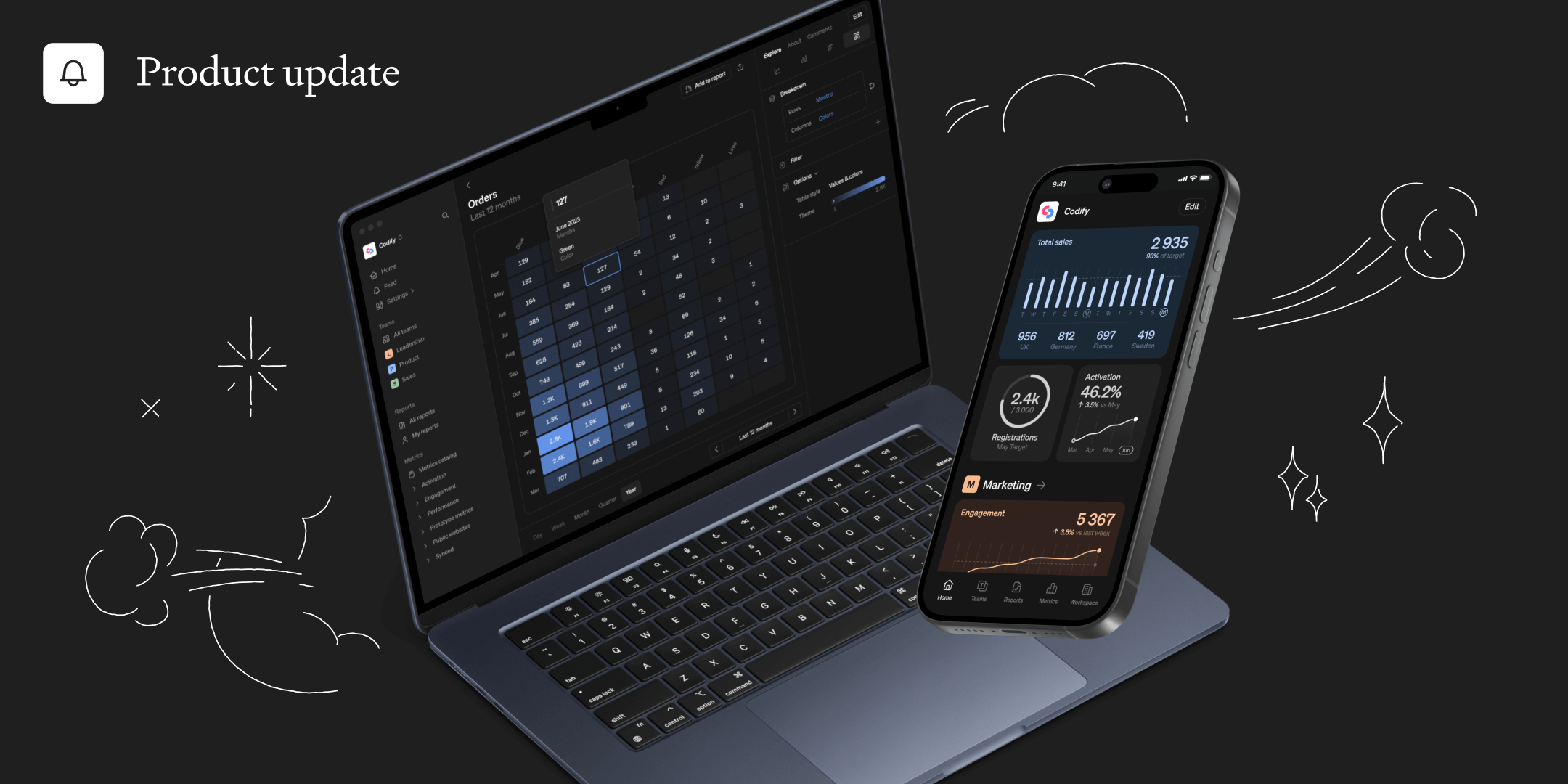
We've listened to your feedback, and we're excited to introduce several new updates to make your Steep experience even more smooth and intuitive.
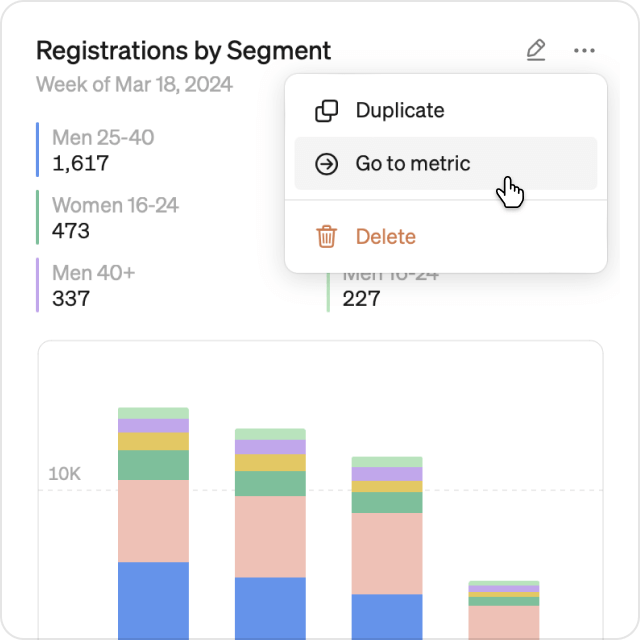
Keep your context
When transitioning from a chart or table in a report, to a metric, all context will seamlessly carry over. This includes time options, comparisons and even global filters from the report. This makes it much easier to dig deeper without loosing a beat.
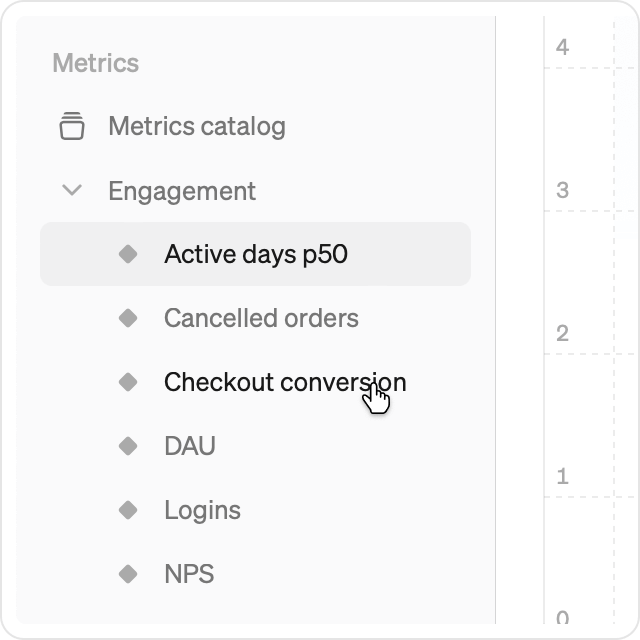
Jump between metrics
In the metrics explore view, jumping directly to another metric in the catalog will now maintain the same timeframe and chart type, allowing you to effortlessly continue your analysis from where you left off.
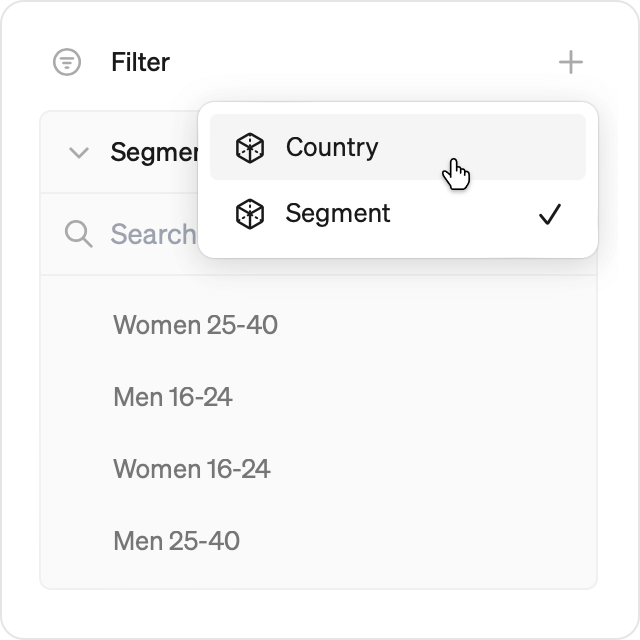
Group filters
The filter section in the explore view is now more compact to better handle lots of dimensions. Just add the dimensions you want to use from the new dropdown menu.
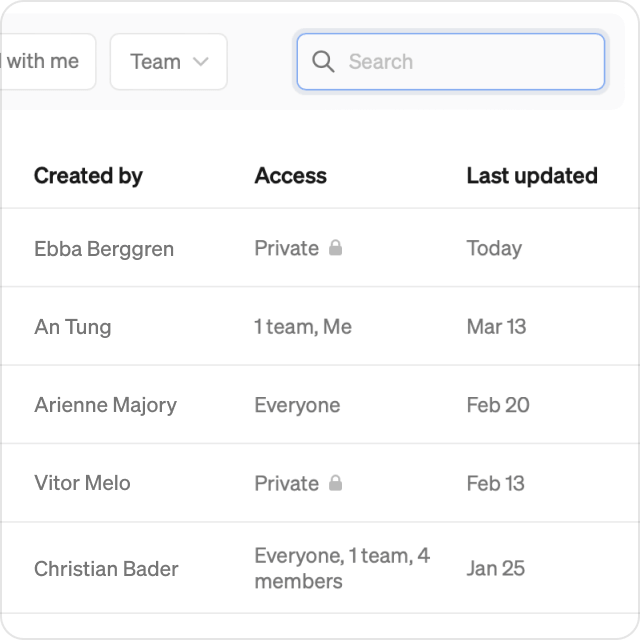
Find reports quicker
From the reports list, you can now search freely or filter by team, to find what you are looking for faster. If you are using Steep on your computer, you can also use the blazing fast global search using cmd+K from anywhere in the app.
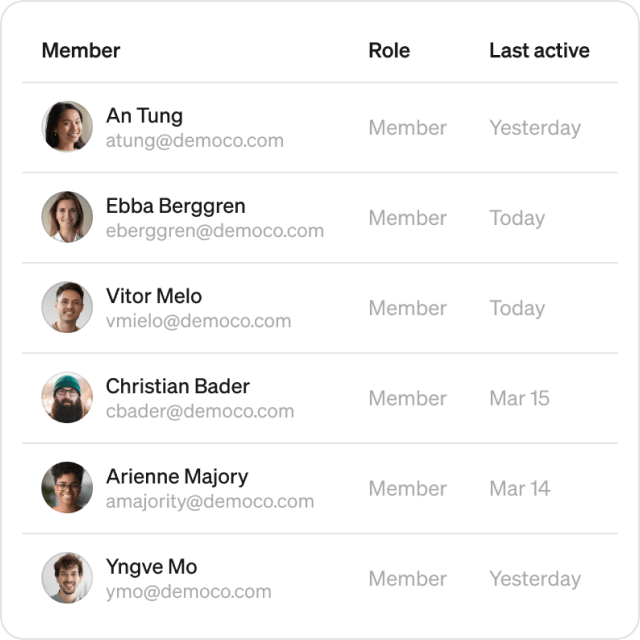
Active members overview
Workspace members list: Admins can now see when members were last active, making it easier to keep track of how often people in your organization are using Steep.