October 8, 2026
Images in entities
Images in entities
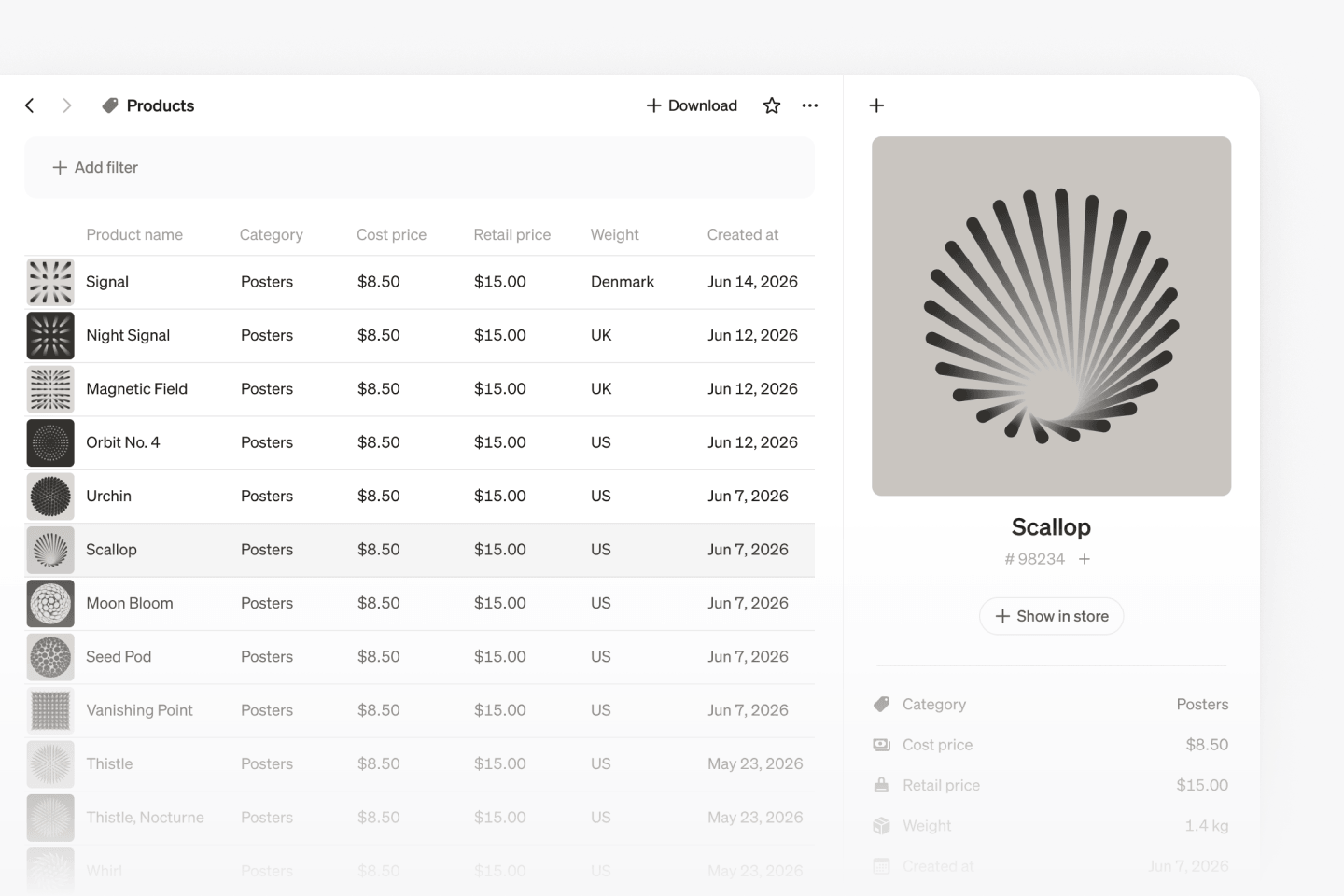
When an entity property holds a link to an image, like a product photo or a logo, Steep now shows the picture instead of the raw link. Thumbnails appear in the entities table, and the side panel shows the first image large at the top. Click it to see it full size. It works automatically for secure image links ending in a standard image file type, with nothing to set up.
Sync colors across a report
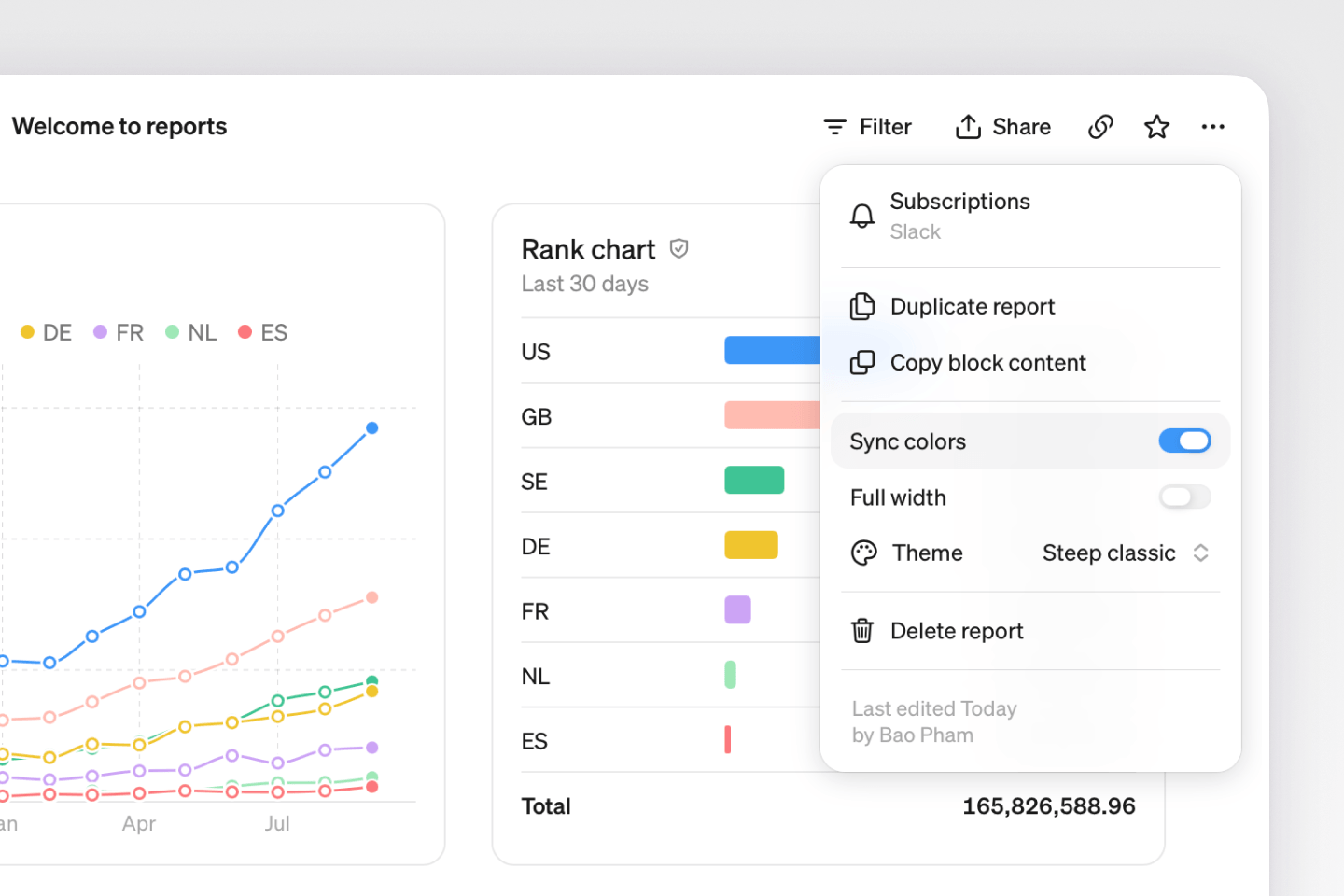
In a report, open the ··· menu in the top-right corner and select Sync colors. Each dimension value then keeps the same color across the whole report, so the same country gets the same color in every chart.
Switch metrics in place
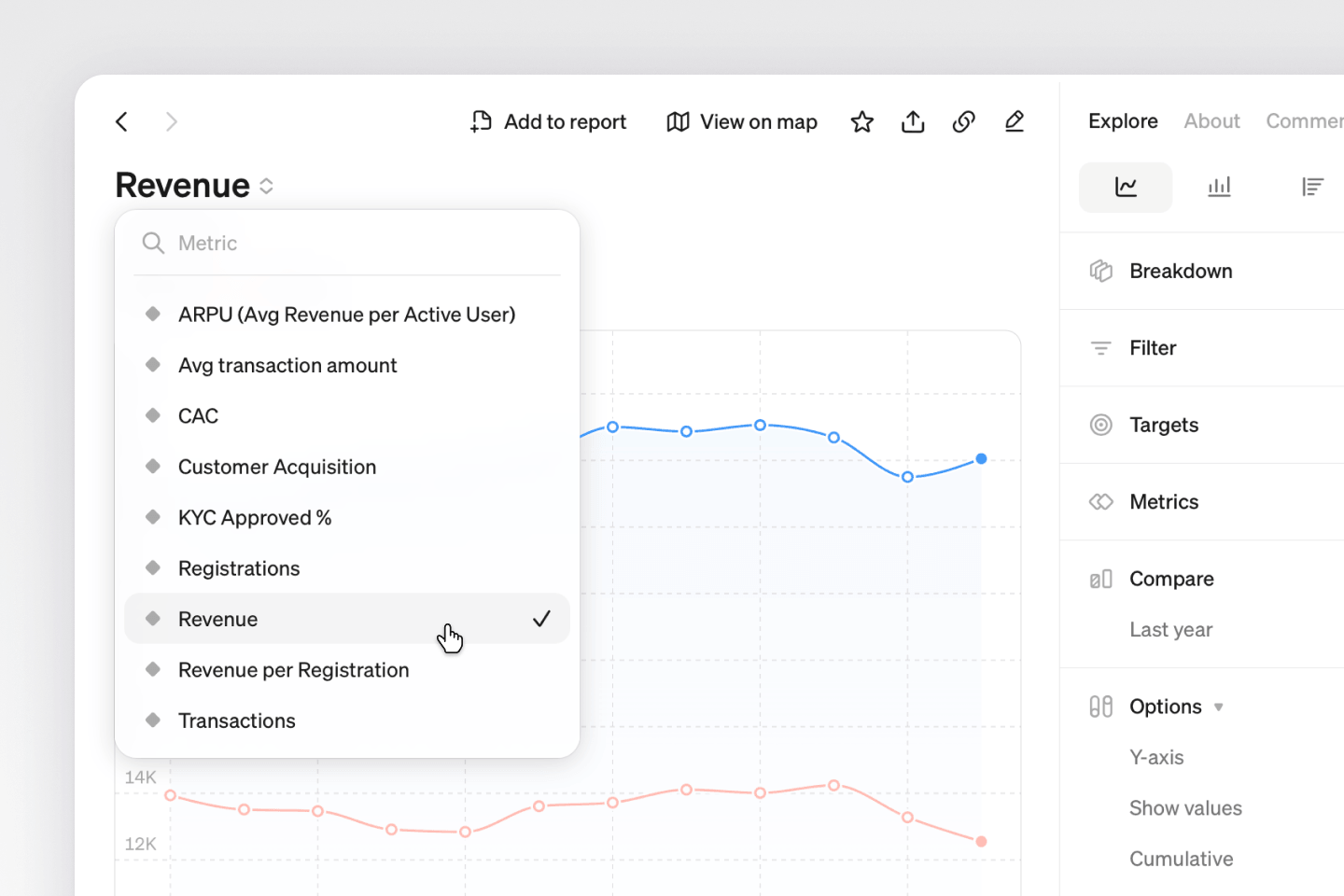
Change the metric directly in explore or a report chart. In explore, click the metric name and pick a new one. In a report, edit the chart, click the metric name in the top-left corner, and choose a new metric. Report charts keep their comparisons and other chart settings when you switch.
Improvements & fixes
SettingsNow you can drag to reorder the colors when building a custom themeReportsA Copy link button is now in explore, report, and entity headersAISteep AI can set a report's time period and let individual charts ignore report filtersAICharts from Steep AI no longer come out empty when split by a dimension