November 16, 2026
Filter operators
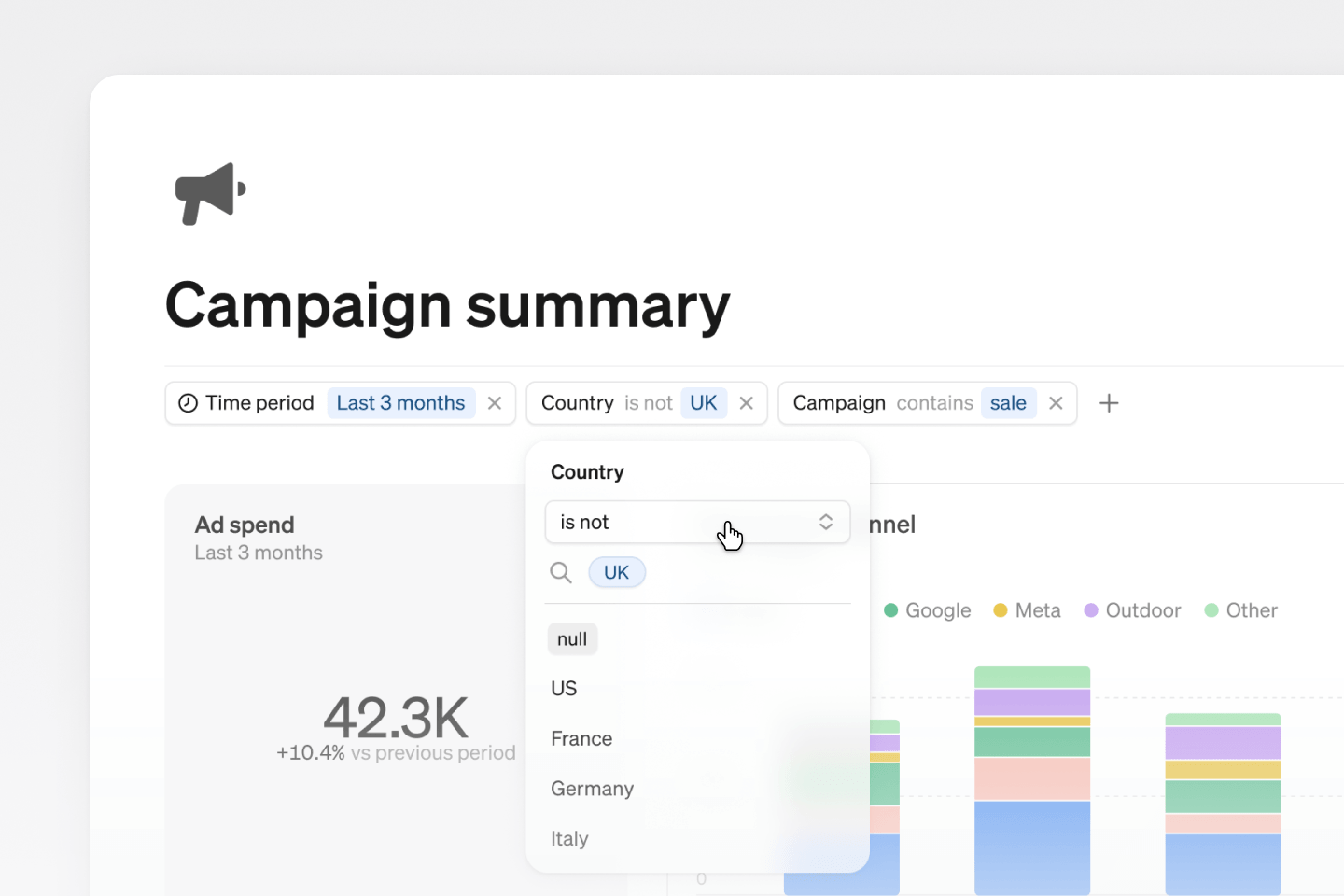
Filters just got a big upgrade! Each filter now has an operator that lets you choose how it matches your data. Exclude specific values or match part of a value to get the exact filter you need.
| Operator | Example |
|---|---|
| is | market is UK, FR |
| is not | channel is not Google |
| contains | name contains john |
| does not contain | campaign does not contain test |
The new filter operators work in explore, reports, Steep AI, the API and MCP.
Dark mode colors for custom themes
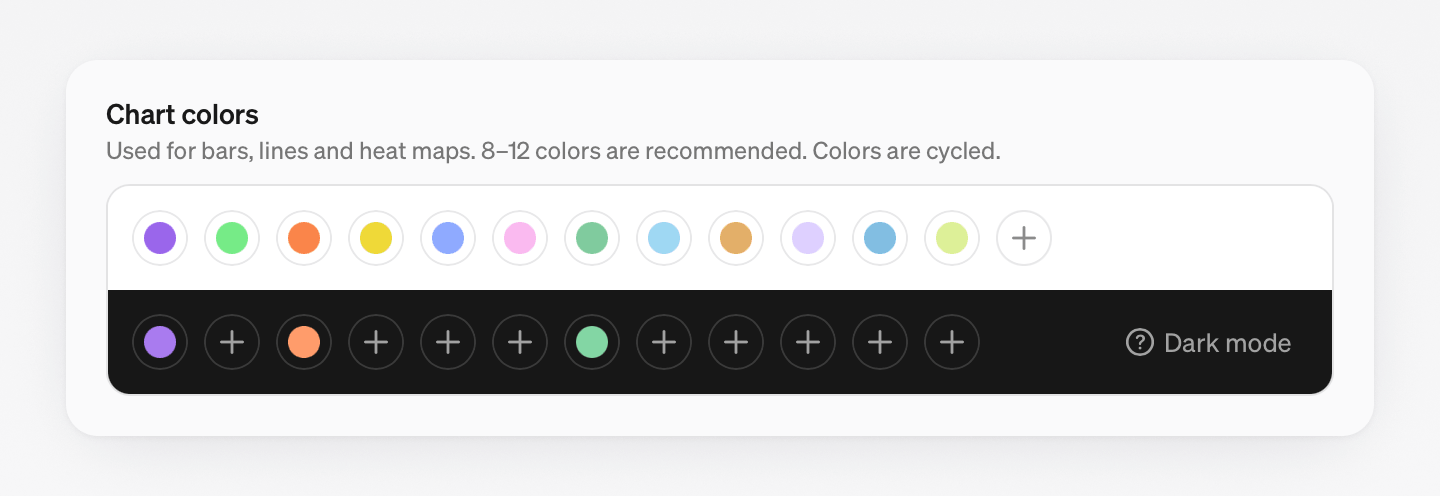
A custom theme can now have its own colors for dark mode, so it looks right in both light and dark. Open a custom theme in Settings → Themes and add a dark mode override for each color under Chart colors.
Improvements & fixes 11
FiltersEmpty values now show asnull, separate from the regular valuesReportsChoose a custom color for a report's iconReportsSegmented bar charts can show value labels inside each segmentReportsReorder the metrics in Big number blocks by draggingReportsType a smiley like:-)in a text block to turn it into an emoji, or type:to search for oneReportsA chart now shows a warning when the row limit cuts its dataReportsReport exports now show when they were generated, with the time zoneReportsTables over 100 rows now scroll faster, and their rows stay searchable and copyableReportsEmpty periods no longer disappear from tablesReportsSynced series colors no longer depend on which charts are on screenTeamsAdd a custom icon to a team's avatar