December 17, 2024
Introducing Entities
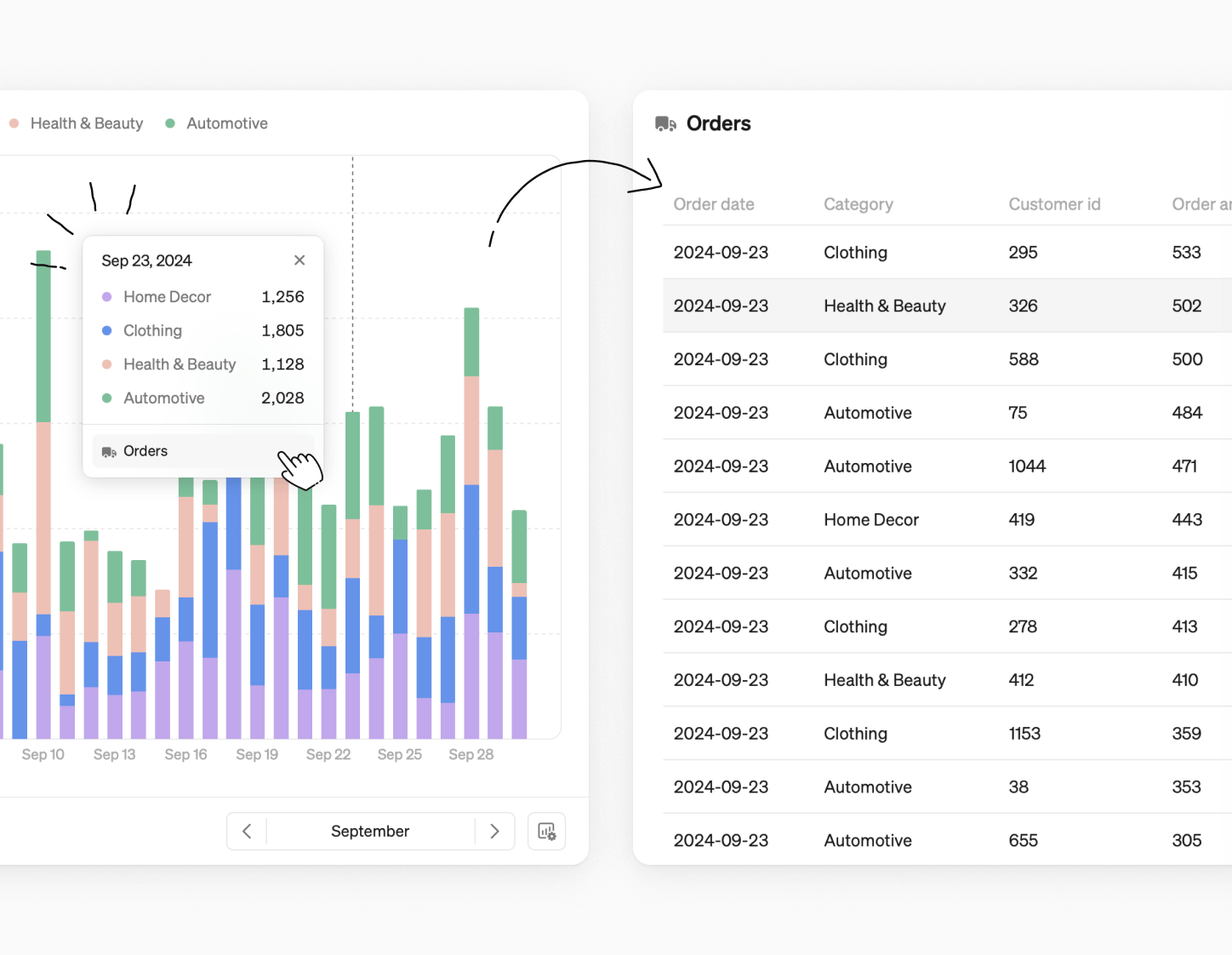
Dive into row-level data
Entities let you effortlessly drill down to row-level data behind your metrics, whether you're analyzing customer behavior, product performance, or order details—even if the entity and metric come from different tables.
Simply click on a line, bar, or rank chart to explore connected entities. Choose the entity you want, and Steep will generate a filtered list with row-level details.
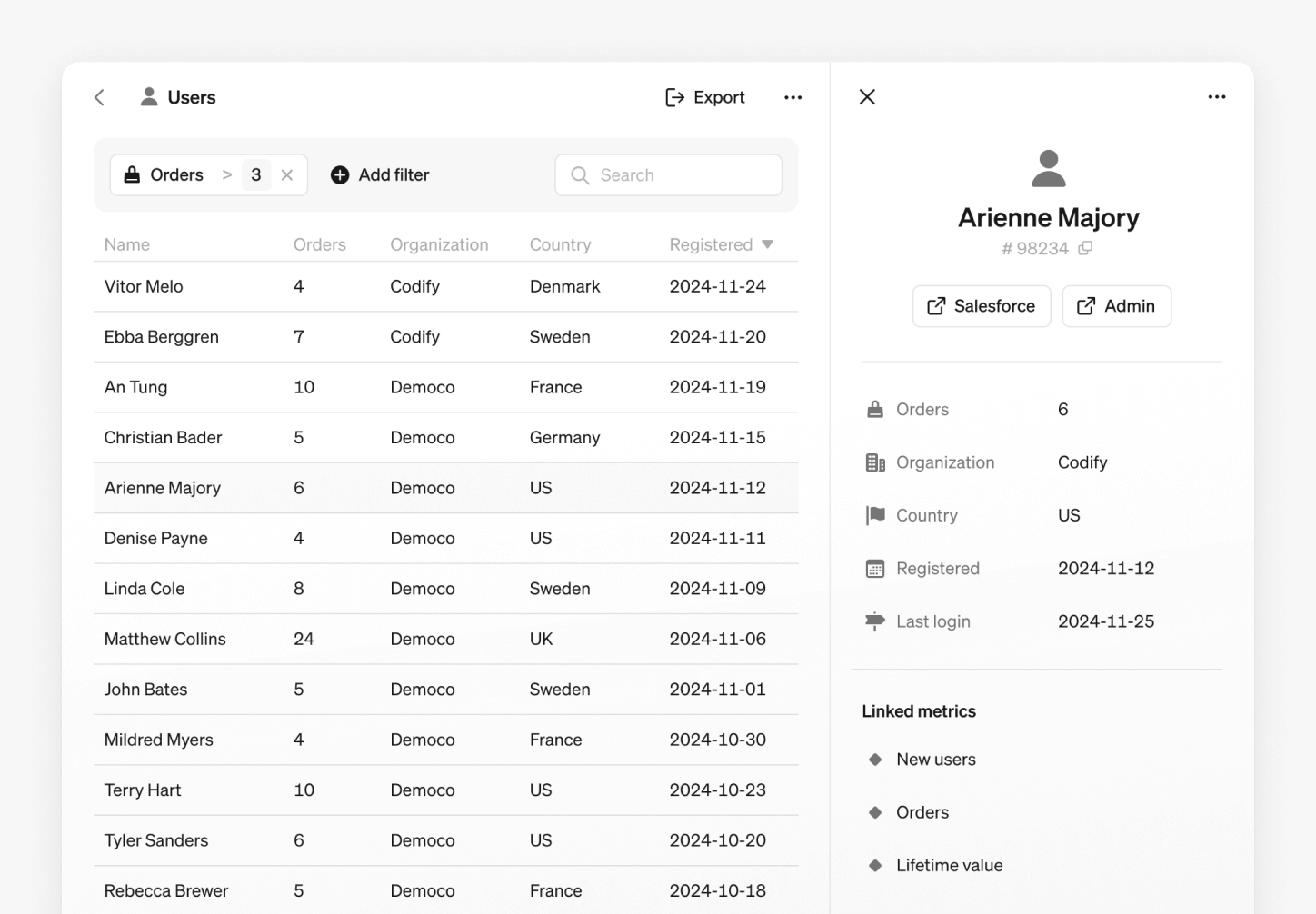
Entity lists
Access all entities from the navigation sidebar. From here, you can:
- Filter, sort, and export entity data.
- Open detailed views and copy links for sharing.
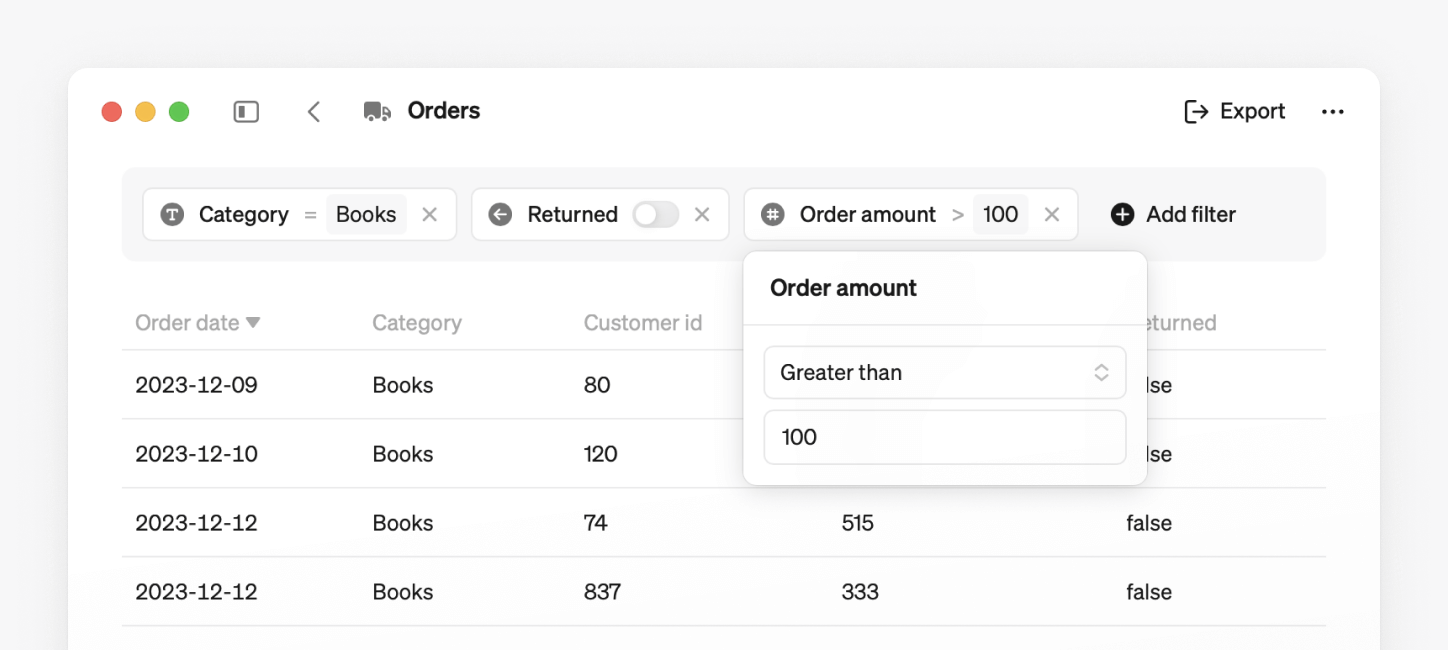
Filter and sort
Refine your entity list effortlessly using filters based on entity properties.
- Filter: Apply filters based on text, numbers, dates, or booleans to refine the list.
- Sort: Click column headers to sort the list, toggling between ascending and descending order.
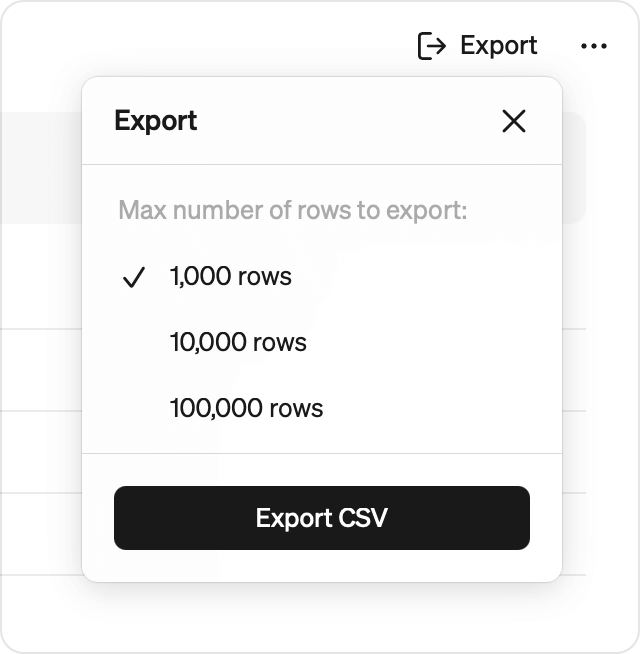
Export to CSV
Export your filtered and sorted entity list. Choose how many rows to include. Note that large exports may take some time.
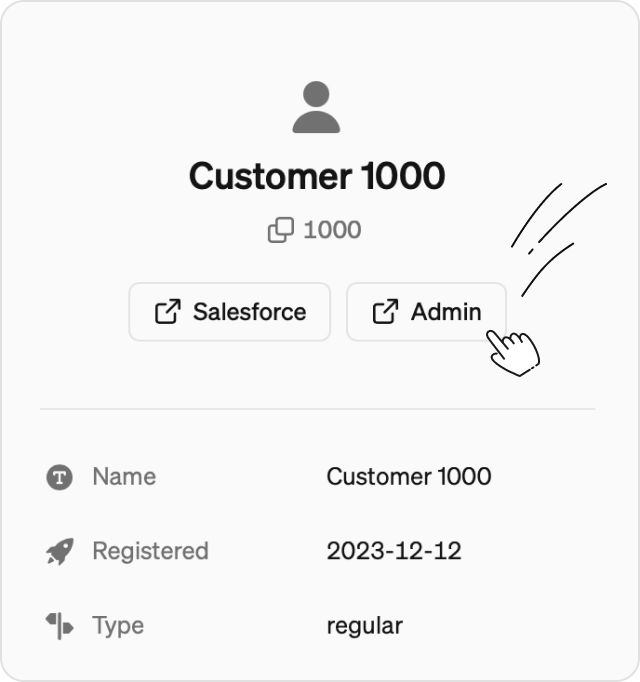
Link to other tools
Add custom links your entities, letting you navigate seamlessly to relevant web pages—like your internal admin tool, HubSpot, or other systems.
Learn how to get started with entities →
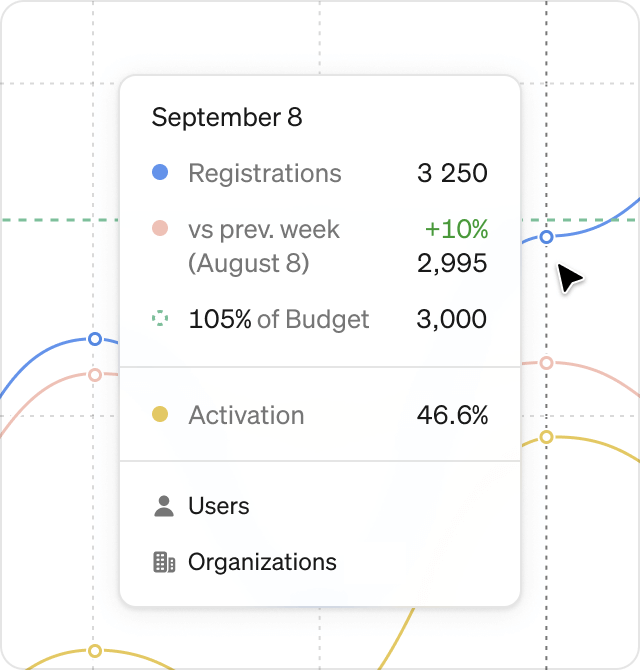
A more intuitive way to view chart numbers
We’ve updated our tooltip for all charts in explore and reports. Hover over any chart to see the numbers in a convenient popover. Want to dig deeper? Just click to freeze the popover and analyze the details quickly.