November 16, 2022
New edit mode and permissions
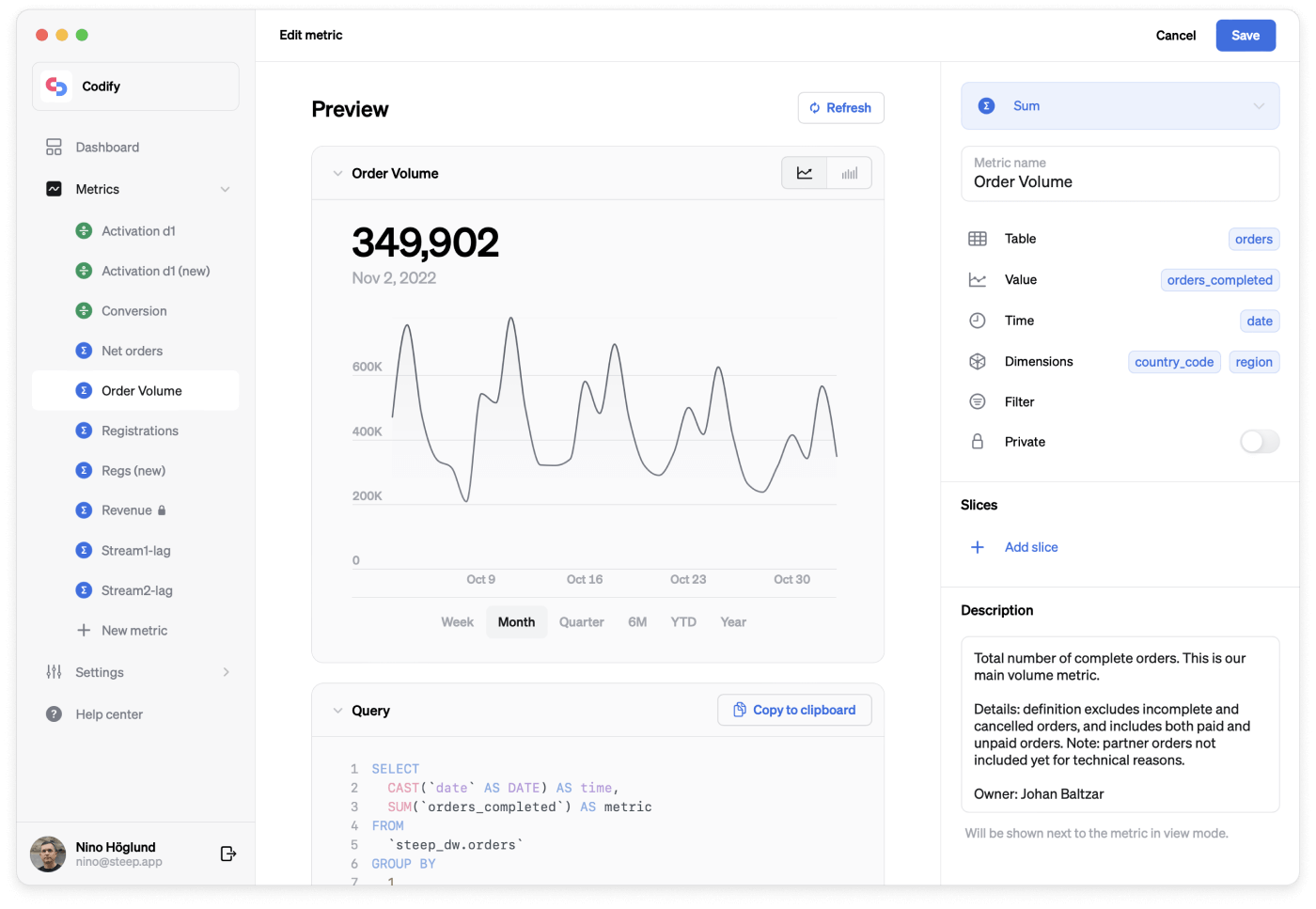
New ways to define metrics
This month, we have completely redesigned the way you define metrics on desktop. You will now get a live preview of your visualization as you set it up, making it even easier to set up and test your metrics. In addition to the new layout and preview, we are also adding a number of improvements to the setup process.
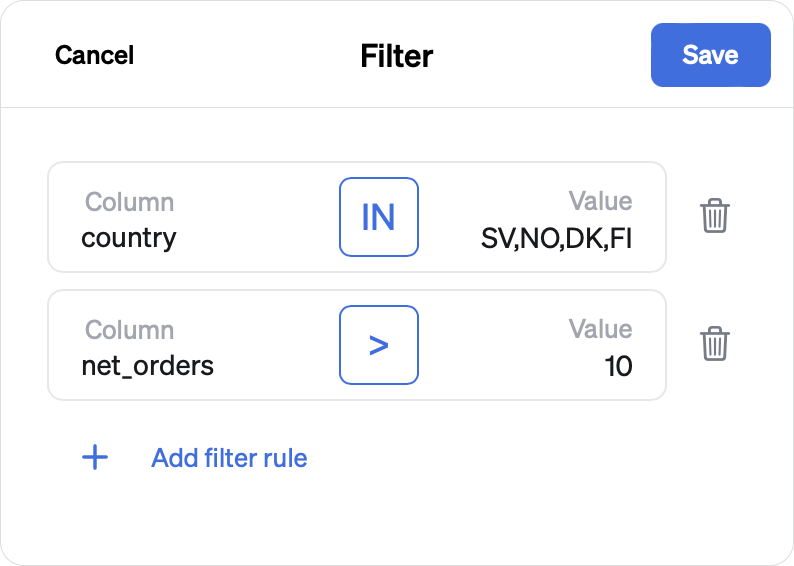
Better filters and slices
Filters and slices now support multiple filter rules and more conditionals. In addition to equal to and not equal to, you can now chose less than, greater than, in or not in. This makes creating complex filters a breeze.
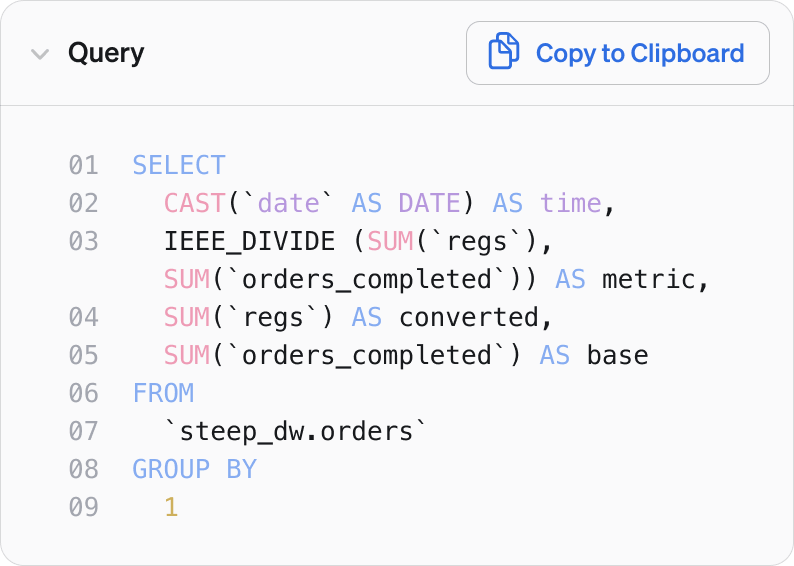
Query preview
In addition to previewing your graph, you can now see what the generated SQL queries will look like. This lets power users peek under the hood or trouble shoot. You can even copy the generated SQL query to run it in your own console.
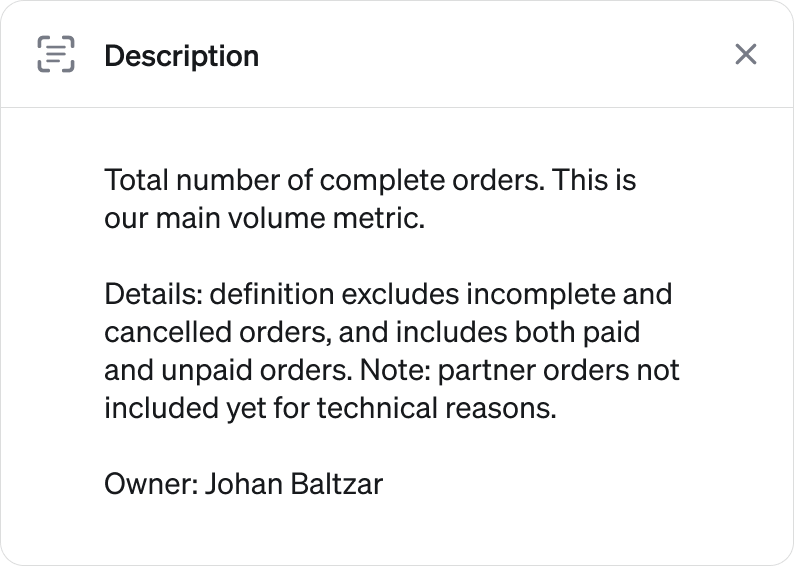
Metric Description
Sharing metrics with a wider audience will sometimes require some context. You can now add a description to go with your metric to make it easy for anyone in your organisation to understand what they are looking at.
Private teams and metrics
Data can be sensitive, even within your organization. We have made it super easy to create private teams and set permissions for metrics. Any team can now be set to private with just a toggle in the team settings. You can then turn any metric private and select which teams should have access to it.
A better login experience
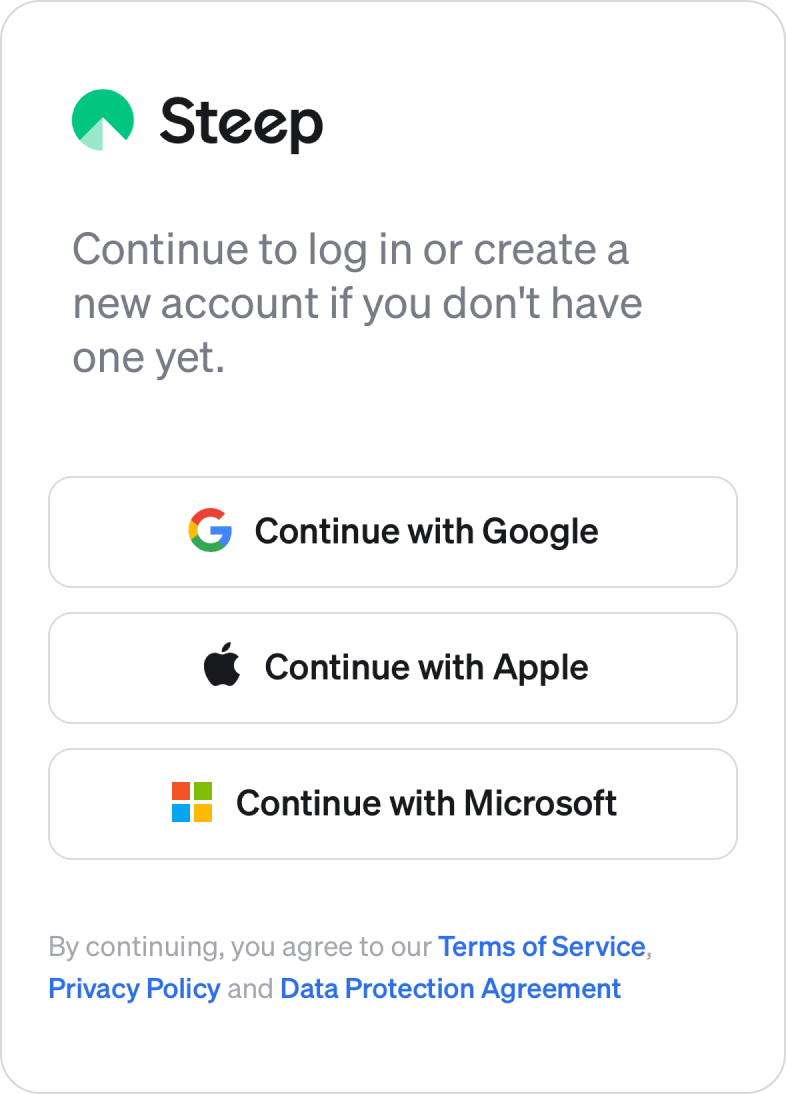
Login using Microsoft accounts
In addition to Google and Apple, we now support Microsoft accounts. Sign up or login to Steep using any type of Microsoft account - including corporate Active Directory accounts.
Use browser to log in
Our iOS app now uses your browser to log in. This enables you to use any currently logged in account to make the process smoother.
Stay logged in longer
We have optimized the way the app handles login sessions. You will now stay logged in to Steep until you manually sign out.
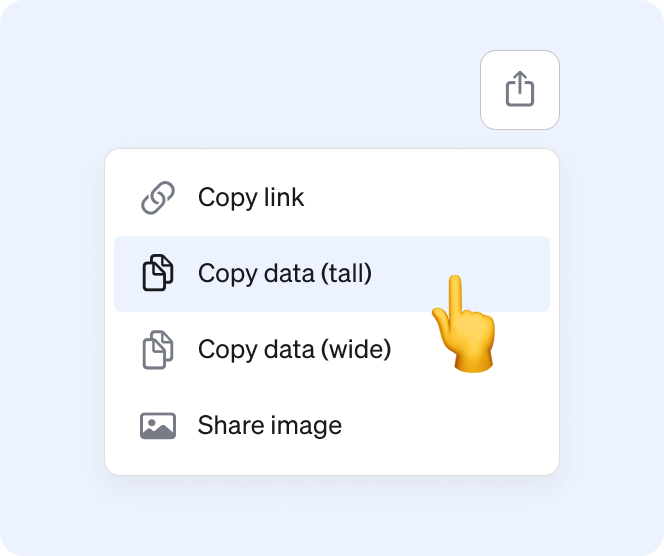
Copy data
Continue to analyze and work with your data in another tool or spreadsheet. You can now copy the table data and paste into any tool that supports it. Wide or tall. Excel or Google Sheets.