September 8, 2026
Color themes
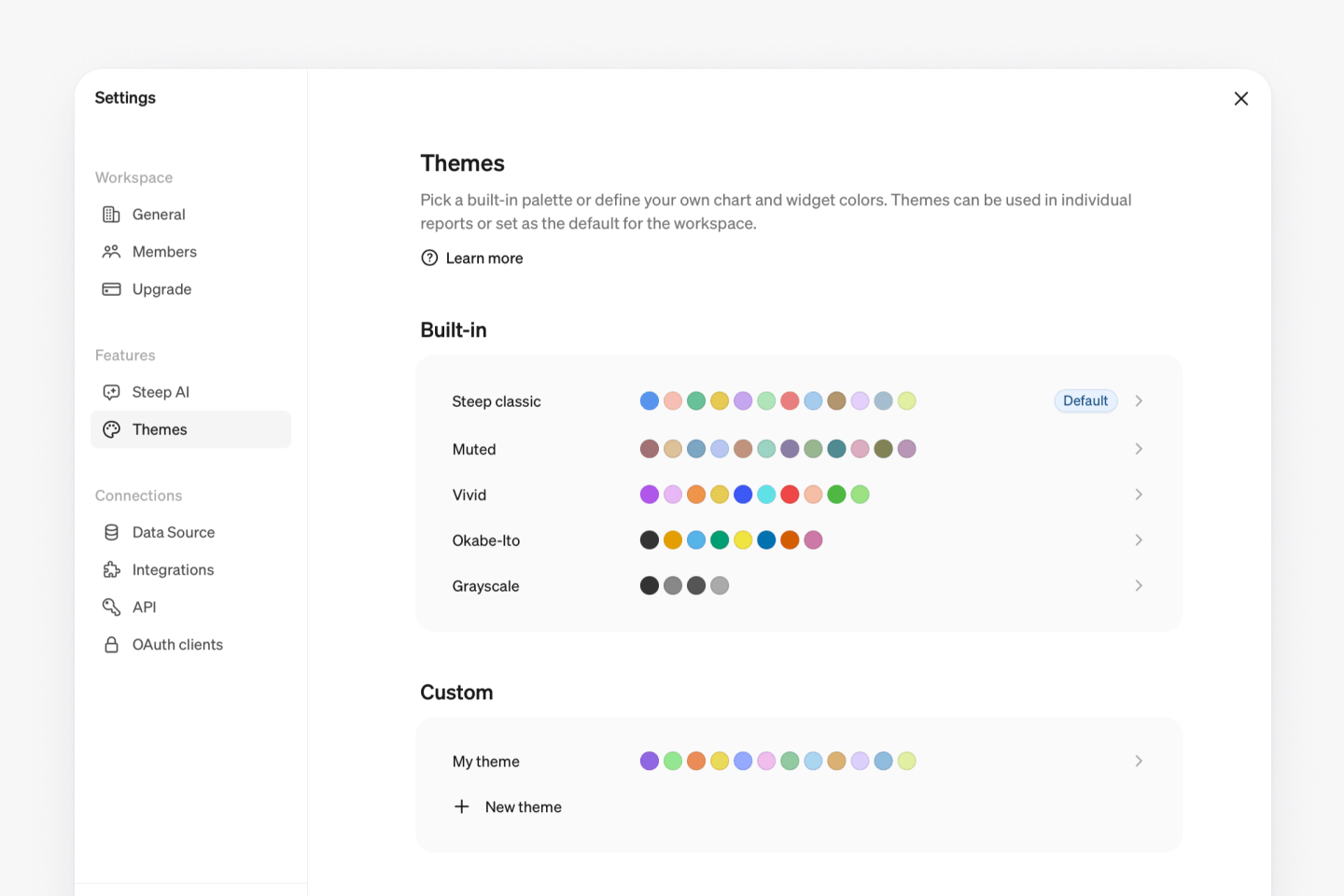
Change the colors in Steep with themes. Choose one of the new built-in themes or create your own custom theme. Themes can be applied to a specific report or set as the default for your entire workspace.
Built-in themes
Five themes are available immediately:
| Theme | Colors |
|---|---|
| Steep classic | The default, led by Steep blue, with colors across a wide range of hues |
| Muted | Desaturated earth tones |
| Vivid | Saturated colors with strong contrast |
| Okabe-Ito | From the Color Universal Design project, chosen to stay distinguishable for the most common forms of color blindness |
| Grayscale | Shades of gray, which adapt to light and dark mode |
Select any of them to preview the colors across the app, then apply it to give your whole workspace a new look.
Custom themes
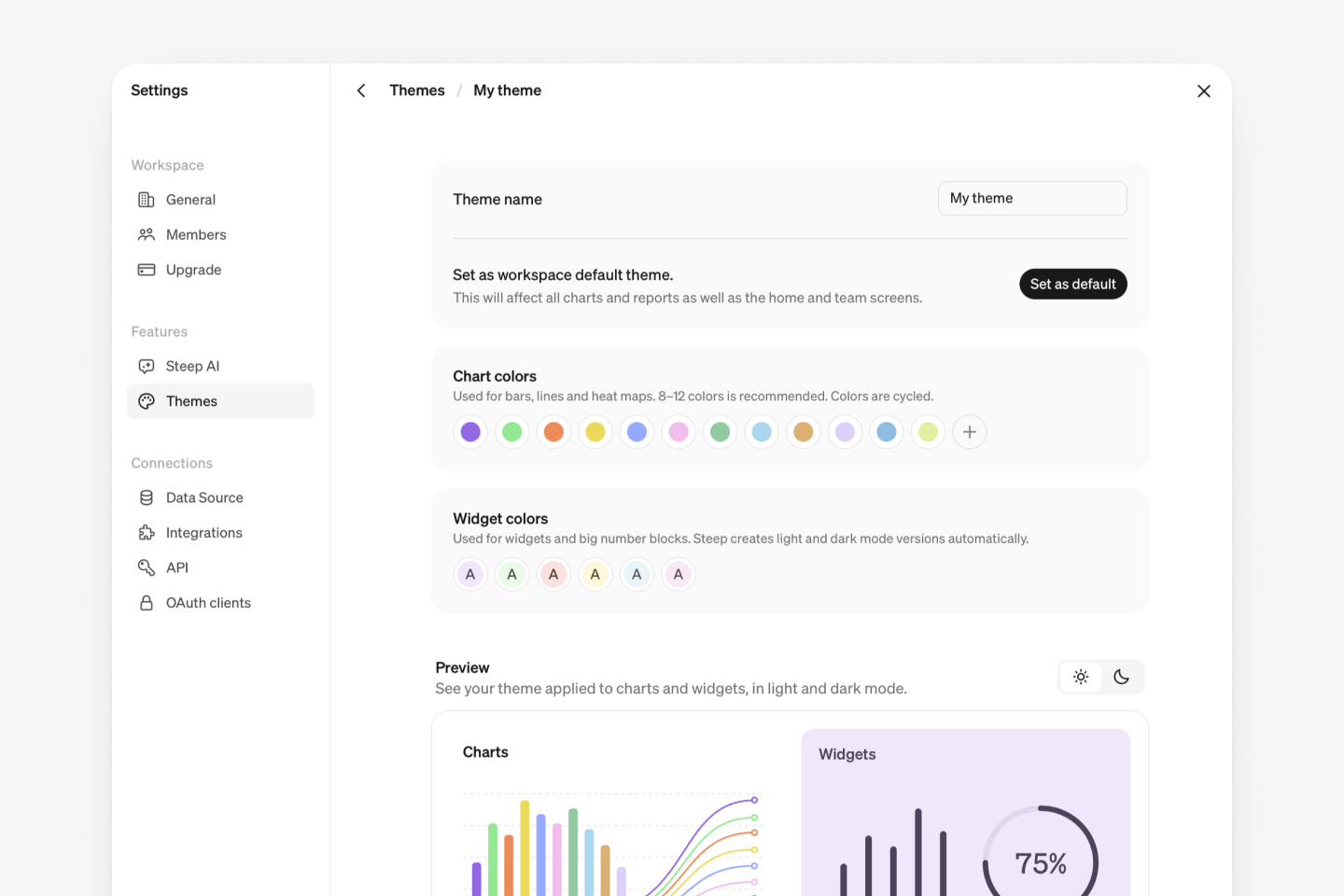
Admins can create custom themes with their own chart and widget colors. Pick colors from the picker or paste hex values straight from your brand guidelines, and the preview shows the result in both light and dark mode as you build.
Apply across the workspace, or per report
Set a theme as the workspace default and it's applied everywhere automatically: charts, reports, and the home and team screens. Reports can also carry their own theme, so a report with its own audience can be styled to match. Report editors choose from the themes your admins have saved rather than picking colors themselves, so every report stays inside an approved palette.